How to Save AI Brainstorms Without Copy-Pasting Everything
AI Productivity
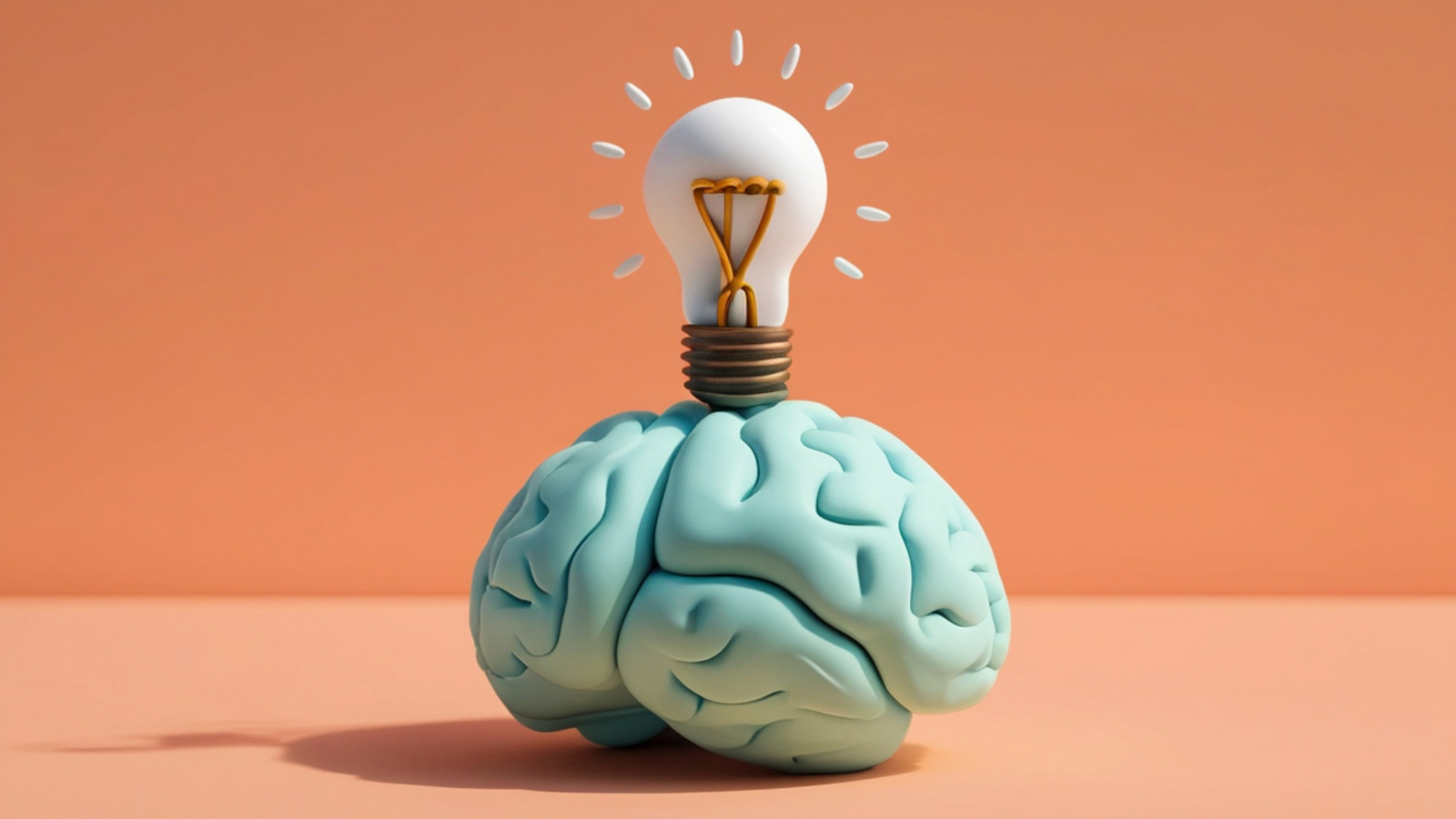
Saving AI brainstorms without copy-pasting is a capture workflow that turns useful ideas from AI chat into organized, reusable notes.

Gravy is an AI chat notebook for the perfect thinking workspace, allowing you to capture, organize and convert insights from AI conversations into structured and editable Smart Notes.

Why does copy-pasting AI brainstorms become messy so fast?
Copy-pasting AI brainstorms becomes messy because brainstorming creates more raw material than you actually need. A good AI session might produce lists of ideas, rejected angles, rough examples, counterarguments, alternative names, and follow-up suggestions. In the moment, all of it can feel useful. Later, the copied note often looks like a wall of disconnected possibilities.
The real issue is that brainstorming and note-taking have different jobs. Brainstorming should expand possibilities. Notes should preserve the ideas that survive the filter. When you paste the entire AI response into Apple Notes, Notion, Google Docs, or another note app, you skip the filtering step. You move clutter from one place to another.
I think the better question is not “How do I save this whole brainstorm?” It is “Which part of this brainstorm will help me make a decision or take action later?” That shift changes everything. You stop archiving the conversation and start capturing the usable insight before the creative thread disappears.
What parts of an AI brainstorm should you actually save?
You should save the parts of an AI brainstorm that have reuse value after the conversation ends. That usually means the strongest idea clusters, the reasoning behind a choice, the next-step plan, the language you may reuse, and any assumptions you need to test. You do not need to save every option the AI generated.
- Save idea clusters, not every individual idea.
- Save the top three options and why they stood out.
- Save decision criteria, tradeoffs, objections, and risks.
- Save reusable language, such as hooks, positioning, names, or examples.
- Save next steps that convert the brainstorm into action.
A useful filter is to ask, “Will I use this to choose, build, write, test, or explain something?” If the answer is yes, save it. If the answer is “maybe someday,” leave it in the chat or put it in a temporary inbox. The goal is to keep the creative range of the brainstorm without turning your note system into an unedited transcript.
How can you save an AI brainstorm without interrupting your flow?
You can save an AI brainstorm without interrupting your flow by using a capture rule before the session starts. Decide that you will only save ideas when they become useful enough to reuse, not every time the AI produces a long answer. This keeps the brainstorm moving while still protecting the best material.
- Mark promising ideas while the conversation is active.
- Ask the AI to group the strongest ideas into themes.
- Save only the themes, decision criteria, and next actions.
- Give each saved note a title based on the future use.
- Review the brainstorm later and delete weak captures.
The mistake is stopping every few minutes to copy text into another app. That breaks the creative rhythm. If you need a manual system, keep one temporary brainstorm inbox and process it after the session. During the live brainstorm, capture only high-signal moments: a strong angle, a clear framework, a decision, or a next step. Everything else can remain in the conversation.
What note structure works best for saved AI brainstorm ideas?
The best note structure for saved AI brainstorm ideas is a short decision-ready format. Brainstorms are useful because they create options, but options become overwhelming if they are not organized. A strong saved brainstorm note should show the idea, the reason it matters, the project it belongs to, and the next move.
| Field | Purpose | Example |
|---|---|---|
| Idea | Captures the concept | Creator-led UGC campaign |
| Why it matters | Preserves reasoning | Matches low-audience launch |
| Use case | Connects to work | TikTok acquisition test |
| Next step | Turns idea into action | Price campaign options |
This format prevents a common problem: saved brainstorms that are interesting but not actionable. A note with only the idea may inspire you later, but a note with the idea, reason, use case, and next step can immediately move into a project. For AI brainstorms, that context is essential because the original conversation may contain several paths you chose not to follow. It also makes review faster because every saved idea already explains its purpose.
How does Gravy help save AI brainstorms without copy-pasting?
Gravy helps save AI brainstorms without copy-pasting by keeping the brainstorm and the notebook in the same workspace. In a normal workflow, you brainstorm with AI, notice a good idea, leave the chat, paste the text into another app, then return and try to keep going. That creates friction during the most valuable part of the session.
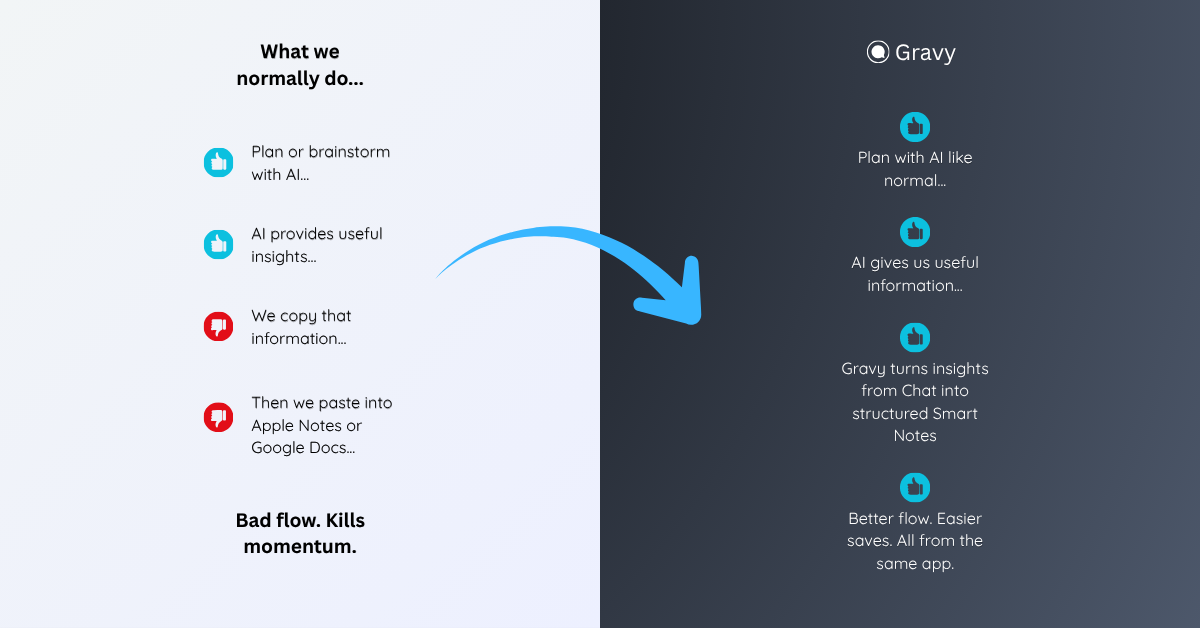
With Gravy, you can use Gravy Chat the way you would normally brainstorm: ask for ideas, challenge them, compare options, refine the direction, and think out loud. When the AI response contains something worth keeping, Gravy separates the answer into Smart Blocks. You can save the specific block that matters as an editable Smart Note.
That means the brainstorm stays fluid, but the best ideas do not disappear. Instead of copying entire AI responses or taking screenshots of the chat, you build a notebook from the useful parts of the conversation. The result is cleaner than a transcript and more actionable than a pile of pasted brainstorm text.
How to save AI brainstorms without copy-pasting
- Start with a brainstorm goalDecide what the brainstorm should produce, such as names, content ideas, product features, offers, positioning angles, or next steps.
- Let the conversation stay messyUse AI to explore freely. Do not stop to save every response. Brainstorming works best when you allow weak ideas, tangents, and alternatives to appear.
- Capture only high-signal momentsSave the idea clusters, decision criteria, strong language, and next steps that you would realistically use again.
- Turn each saved idea into a structured noteGive the idea a clear title, add why it matters, connect it to a project, and write the next action it should lead to.
- Clean up after the brainstormReview the saved notes later. Merge duplicates, delete weak ideas, and move the strongest captures into your project plan, content calendar, or decision document.
How Gravy fits
Gravy fits this workflow because AI brainstorms should not require manual copy-paste every time a good idea appears. You can brainstorm normally, save the useful Smart Block as an editable Smart Note, and keep moving without breaking the conversation. That helps turn messy AI idea sessions into organized notes you can actually use later.
FAQ
How do I save AI brainstorms without copy-pasting everything?
Save only the strongest idea clusters, decisions, reusable language, and next steps. Give each saved item a clear title, add context, and organize it by project or future use.
Should I save every idea from an AI brainstorm?
No. Saving every idea creates clutter. Save the ideas that can help you choose, build, write, test, or explain something later. Leave weak or generic ideas in the chat.
What is the best format for AI brainstorm notes?
A strong format includes the idea, why it matters, where you will use it, and the next step. This turns a brainstorm capture into an actionable note instead of a pasted transcript.
Why is copy-pasting AI brainstorms into notes a problem?
Copy-pasting interrupts your thinking and often saves too much text. Later, you may have a large note full of ideas but no clear decision, context, or next action.
How does Gravy help with AI brainstorms?
Gravy lets you save useful sections of AI responses as Smart Notes while you are still brainstorming. That keeps strong ideas organized without copying entire responses into another app.