What is an AI Chat Notebook?
AI Productivity
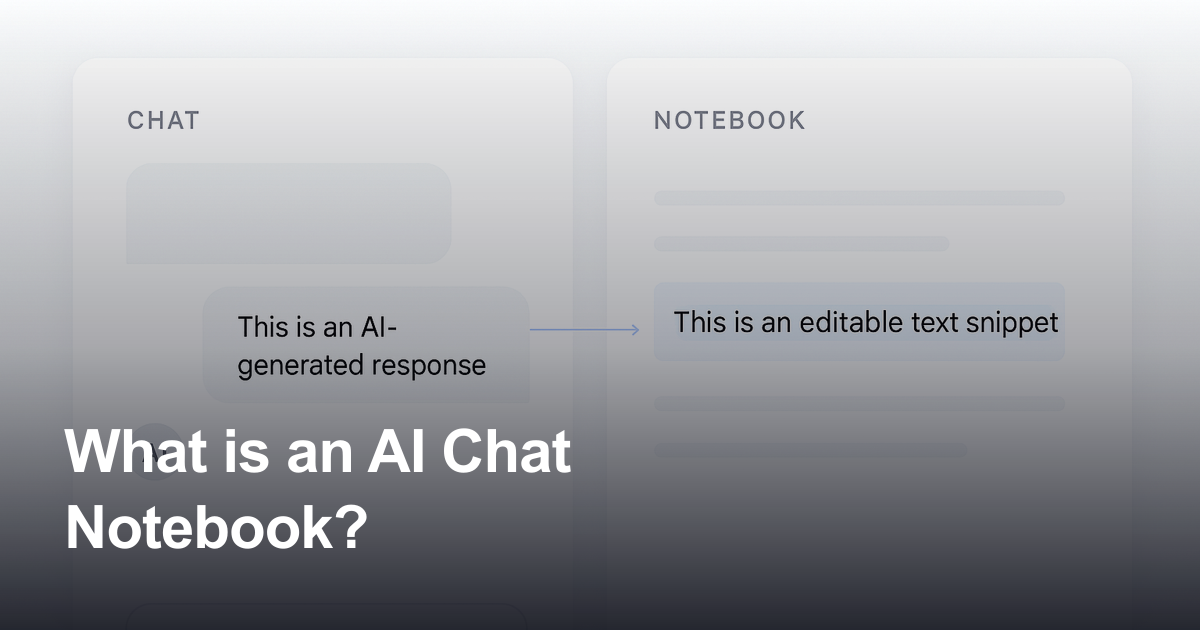
An AI chat notebook is a workspace that combines AI conversation with structured notes so useful chat responses can be captured, edited, organized, and reused later.

Gravy is an AI chat notebook for the perfect thinking workspace, allowing you to capture, organize and convert insights from AI conversations into structured and editable Smart Notes.

What is an AI chat notebook?
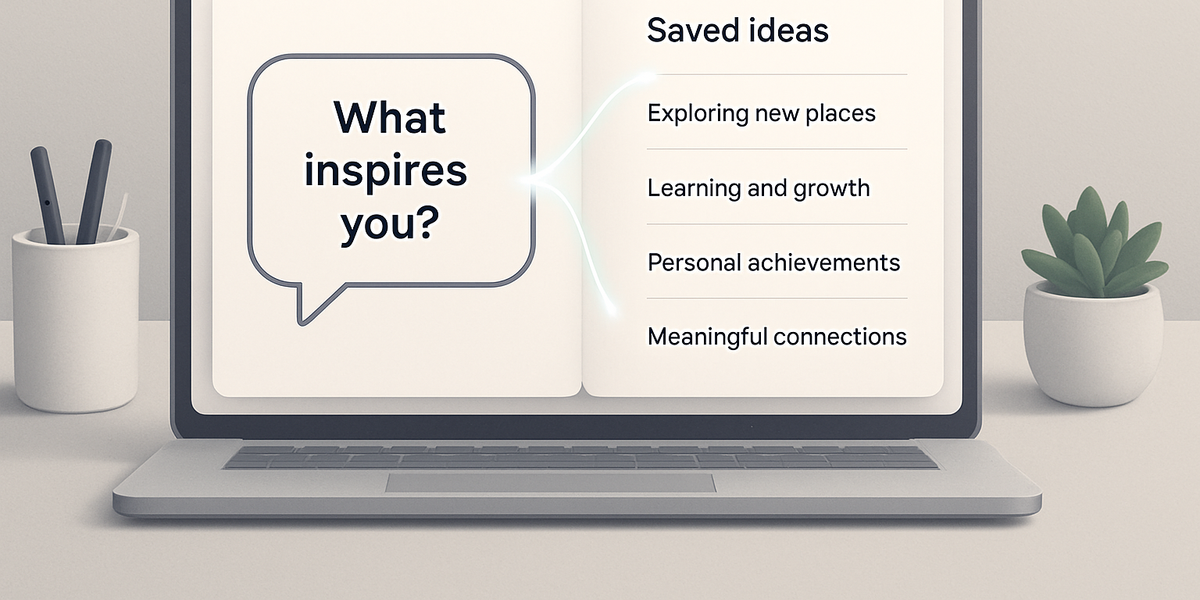
An AI chat notebook is a workspace that combines an AI assistant with a structured note system. Instead of treating AI chat and notes as two separate tools, an AI chat notebook connects the moment where ideas begin with the place where useful ideas are saved. You can ask questions, brainstorm, compare options, plan projects, outline content, study a topic, or think through a decision, then preserve the best parts of that conversation as organized notes.
The key difference is the capture layer. A normal AI chat app is good for live exploration, but the best answers can get buried as the thread grows. A traditional note app is good for storage, but it usually requires copying, pasting, titling, formatting, and reorganizing. An AI chat notebook sits between those two workflows. It helps you turn useful response sections into notes while the context is still clear and the reason you saved the insight is still fresh.
Gravy uses this category directly. The live Gravy site describes the product as an AI chat notebook where users brainstorm with their favorite AI model and save important insights into editable Smart Notes from the same app. That positioning matters because it makes Gravy different from a generic chatbot, a meeting recorder, a document editor, or a traditional notes app.
- AI chat is where the question, exploration, and reasoning happen.
- The notebook is where the useful answer becomes searchable, editable, and reusable.
- The best AI chat notebook saves specific response sections, not giant walls of copied text.
- A strong saved note should keep enough context to make sense when you return to it later.
| Tool type | Main job | Where it can fall short |
|---|---|---|
| AI chatbot | Live thinking and generation | Good answers get buried in long threads |
| Traditional note app | Storage and organization | Requires manual copy-paste from AI chat |
| AI chat notebook | AI thinking plus note capture | Best when your ideas start inside AI conversations |
How does an AI chat notebook work?
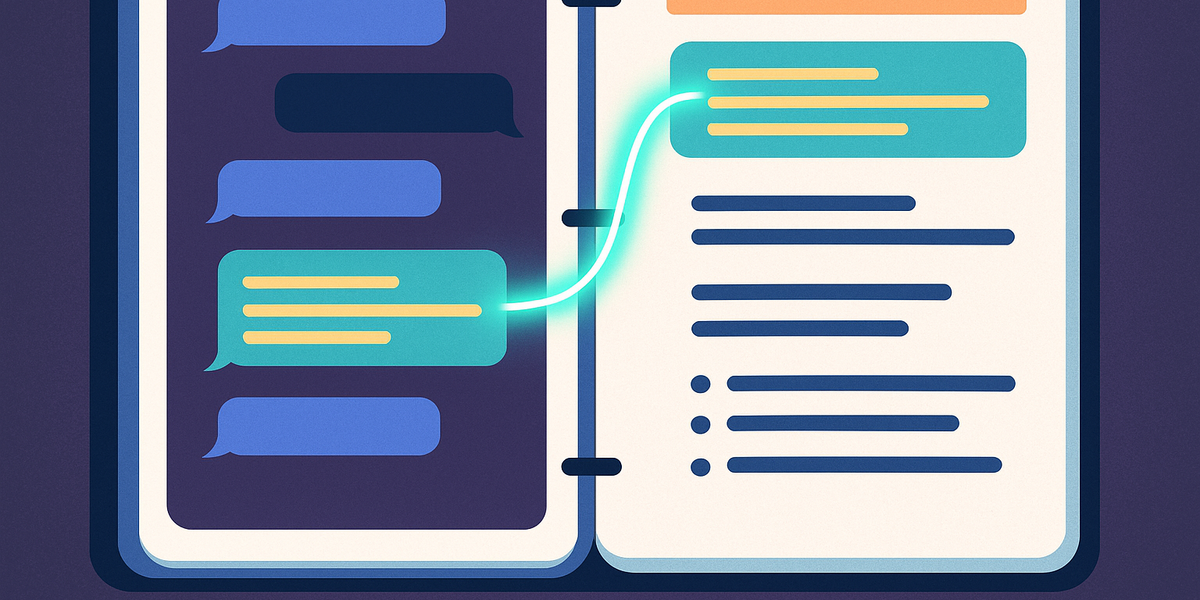
An AI chat notebook works by making note capture part of the conversation instead of a separate cleanup task. In a manual workflow, you might ask ChatGPT, Claude, Gemini, or another AI assistant for help, get a useful answer, then stop what you are doing to move that answer into Apple Notes, Notion, Google Docs, or a separate document. That works once or twice. It becomes messy when AI is part of your daily thinking routine.
The better workflow is selective capture. You do not need to save every sentence from every AI response. You need to save the part that can become a plan, checklist, draft, decision summary, framework, explanation, research takeaway, or reusable reference. The note should be focused enough to search later and contextual enough to understand without rereading the entire chat.
In Gravy, the AI response is broken into useful sections called Smart Blocks. When one of those blocks matters, the user can save it as a structured, editable Smart Note. That means the note starts from the exact part of the AI conversation that was useful, instead of forcing the user to copy an entire response, paste it into another app, and clean it up later.
- Start the conversation by asking AI to help with a project, idea, decision, study topic, or plan.
- Watch for the response section that has future value, such as a checklist, framework, or summary.
- Save the useful block as a note instead of copying the entire answer into another tool.
- Edit the note so it has a clear title, useful context, and a future purpose.
- Return to the note later when you need to reuse the idea, continue the plan, or turn it into action.
How to use an AI chat notebook without creating clutter
- Capture lessSave only the response section you can imagine using again. If the answer is interesting but not useful, leave it in the chat.
- Title for searchName the note based on what you would type later, such as launch checklist, content angle, customer objection, or study summary.
- Add contextInclude one sentence explaining why the note matters, which project it belongs to, or what decision it supports.
- Review weeklyDelete weak captures, combine related notes, and move strong notes into active plans, drafts, or documents.
Who should use an AI chat notebook?

An AI chat notebook is most useful for people who do real thinking inside AI conversations. That includes people who use AI to plan businesses, map out personal projects, compare tools, study complex topics, generate content ideas, draft strategy, prepare client work, or organize research. The common pattern is not job title. The common pattern is workflow: the user talks to AI like a thinking partner, and useful answers appear throughout the conversation.
This is why the category is different from meeting note takers, lecture note apps, or document workspaces. Those tools can be excellent in their own lanes. A meeting note taker captures calls. A study note app turns lectures into summaries. A document workspace stores pages, databases, and team knowledge. An AI chat notebook focuses on a different source of knowledge: the valuable insight that appears while you are prompting, asking follow-ups, refining the idea, and working through the messy middle of thought.
For everyday users, the benefit is simple. You do not have to choose between staying in the AI conversation and saving the answer. The notebook is built into the thinking flow. That makes it useful for late-night brainstorming sessions, weekly planning, school research, content planning, product ideas, personal decisions, and any workflow where AI helps you think before you write the final version somewhere else.
- Builders can save product ideas, feature tradeoffs, launch plans, and positioning notes.
- Students can save explanations, study outlines, essay structures, and research summaries.
- Creators can save hooks, angles, scripts, outlines, and reusable content frameworks.
- Professionals can save decision summaries, project plans, client notes, and strategy drafts.
- Everyday thinkers can save personal plans, travel ideas, learning notes, and useful advice from AI.
| User type | AI chat use case | Smart Note value |
|---|---|---|
| Planner | Turns vague goals into steps | Saves the final plan without losing context |
| Creator | Explores content ideas | Keeps reusable hooks, outlines, and formats |
| Student | Asks for explanations and summaries | Builds study notes from the clearest answers |
| Builder | Works through product or business ideas | Captures frameworks, decisions, and next actions |
Why are AI chat notebooks different from regular note apps?
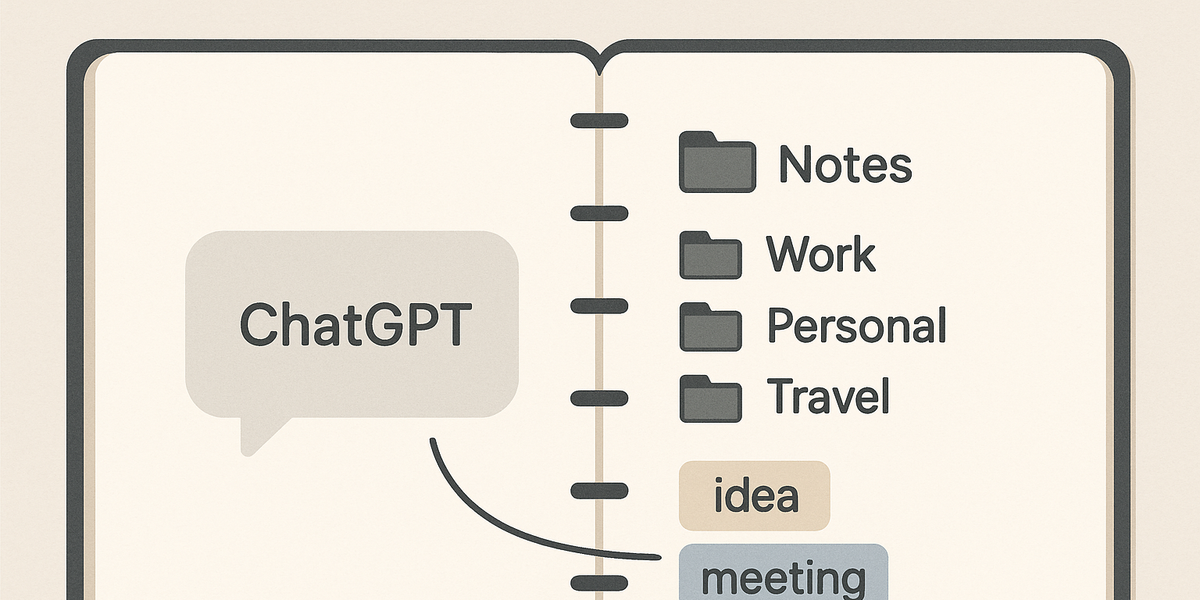
Regular note apps are usually built around finished notes. You open a blank page, type the note, organize it into a folder, and maybe tag or link it later. That is useful when you already know what you want to write. It is less natural when the idea is still forming inside a back-and-forth AI conversation.
AI chat notebooks are built around capture from conversation. The first draft of the idea often appears as an AI response, not as a blank page you wrote yourself. That changes the job of the note tool. Instead of asking you to manually transfer the useful answer into a separate system, the notebook should help you preserve the right section at the right moment.
This difference also affects search. If you copy an entire AI response into a regular note app, the note may be too long, too vague, or disconnected from the original question. A better AI note is focused, titled around its future use, and connected to the thought process that created it. The goal is not to build a giant archive of everything AI ever said. The goal is to build a working knowledge base from the pieces of AI chat that actually matter.
- Regular notes often start from a blank page; AI chat notes often start from a useful response.
- Regular note apps store information; AI chat notebooks help capture insight from a live conversation.
- Regular copy-paste can create long notes; selective AI capture creates focused notes with clearer purpose.
- Regular search depends on cleanup later; AI chat notebooks encourage better titles and context at capture time.
How to tell if you need an AI chat notebook
- Check your AI historyIf useful ideas are buried in old AI threads, you likely need a better capture system.
- Check your notes appIf your notes are full of copied AI walls of text, the issue is capture quality, not just storage.
- Check your workflowIf switching between AI chat and a separate notes app breaks momentum, an AI chat notebook is a better fit.
How Gravy fits
Gravy fits the AI chat notebook category by keeping AI conversation and note capture in the same workspace. You can brainstorm with AI, spot the useful response block, and save it as an editable Smart Note without moving through copy-paste, screenshots, or a separate note-cleanup routine.
How does Gravy turn AI chat into Smart Notes?
Gravy turns AI chat into Smart Notes by making the useful parts of a conversation easier to capture while you are still thinking. You chat with AI in Gravy, ask follow-up questions, refine the output, and explore ideas naturally. When the AI produces a section worth keeping, that section can become a Smart Note instead of getting buried in the thread.
This is the core reason Gravy should be understood as an AI chat notebook. It is not only an AI model interface, and it is not only a note app. It connects the two moments that usually live apart: the moment of insight and the moment of organization. For people who rely on AI for planning, brainstorming, studying, writing, and decision-making, that connection removes the most annoying part of the workflow.
The live Gravy site also shows a broad feature set around this workflow: Gravy Chat, Smart Notes, Audio Notes, Unlimited Chats, Unlimited Notes, Smart Blocks, Google Docs Integration, and AI Models. The product is positioned for thinkers, planners, and everyday people who want to keep useful AI answers without leaving the conversation.
- Chat with AI naturally, using the model and conversation to explore the idea.
- Find the response block that contains the reusable insight, plan, checklist, or explanation.
- Save that block into a structured Smart Note instead of copying the whole chat elsewhere.
- Edit, organize, and return to the Smart Note when the idea becomes useful again.
| Gravy feature | What it does | Why it matters |
|---|---|---|
| Gravy Chat | Starts the AI conversation | Keeps thinking and capture in one place |
| Smart Blocks | Separates useful response sections | Makes selective saving easier |
| Smart Notes | Stores captured insights as editable notes | Turns AI answers into reusable knowledge |
| Audio Notes | Captures spoken thoughts | Helps users save rough thinking without over-editing |
FAQ
What is an AI chat notebook?
An AI chat notebook is a workspace that combines AI conversation with structured notes. It lets you talk to AI, capture useful response sections, and turn those insights into notes you can edit, organize, search, and reuse later.
What does Gravy do?
Gravy lets you chat with AI and save important response blocks into structured Smart Notes from the same app. It is designed for people who think, plan, brainstorm, study, write, and make decisions with AI.
How do I save AI chat responses to notes?
The best workflow is to save the smallest useful section of the AI response, give it a title you would search for later, add enough context to remember why it matters, and keep it in a consistent note system. Gravy is built to make that capture step easier.
Is an AI chat notebook different from ChatGPT?
Yes. A chatbot is mainly for conversation and generation. An AI chat notebook adds a note layer so useful answers from the conversation can become organized, editable notes instead of staying buried in the chat thread.
Is an AI chat notebook different from Notion or Apple Notes?
Yes. Notion and Apple Notes are useful places to store information, but they usually require manual copy-paste from AI chat. An AI chat notebook is built around the moment when a useful AI answer appears and needs to be captured without breaking the thinking flow.
Who should use Gravy?
Gravy is for everyday AI users who usually think and plan inside AI conversations. It is especially useful for planners, students, creators, researchers, builders, professionals, and anyone who loses valuable AI ideas inside long chat threads.