Notion AI Alternatives
Comparisons
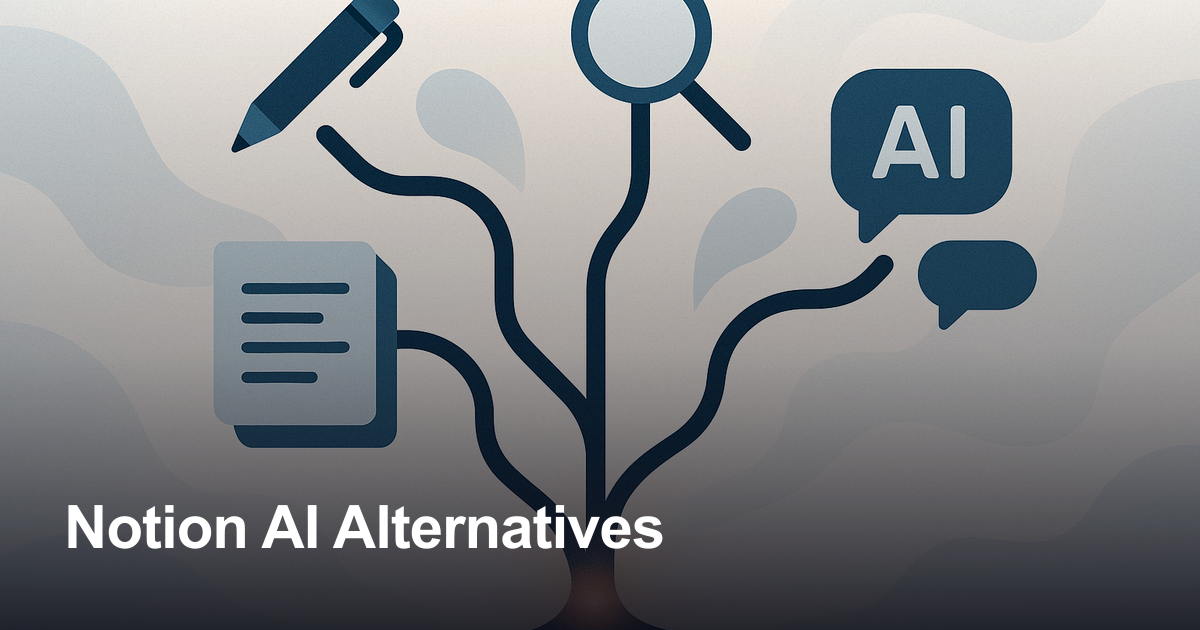
Notion AI alternatives are tools that help you write, research, capture notes, or preserve AI-generated thinking outside Notion.

Gravy is an AI chat notebook for the perfect thinking workspace, allowing you to capture, organize and convert insights from AI conversations into structured and editable Smart Notes.

What should you look for in a Notion AI alternative?

The best Notion AI alternative is not always the app with the longest feature list. Notion AI sits inside a broader workspace, so it is especially useful when your pages, databases, meeting notes, projects, and team knowledge already live in Notion. In that environment, AI can help you draft, summarize, edit, search, fill database properties, and connect work across a structured system.
But many people searching for Notion AI alternatives are not only asking, “Which AI app is smarter?” They are really asking, “Where does my thinking actually happen?” If your ideas begin inside a Notion page, Notion AI can be convenient. If your ideas begin inside ChatGPT, Claude, Gemini, Perplexity, or another AI conversation, the friction is different. You may not need a bigger workspace. You may need a better way to capture the useful part of the AI response before it disappears into a long thread.
A good alternative should match the source of your information. Some tools are built for meetings. Some are built for documents. Some are built for source-based research. Some are built for personal knowledge management. Gravy fits the AI chat notebook category: it is designed for people who brainstorm with AI and want to save the best response blocks as editable Smart Notes without switching into a traditional note app.
- If your work already lives in Notion, compare alternatives carefully before replacing it.
- If your main pain is saving AI chat responses, prioritize capture flow over database features.
- If your main pain is studying documents, prioritize source grounding and citations.
- If your main pain is meetings, prioritize recording, transcription, summaries, and action items.
| User intent | Best alternative category | Why it matters |
|---|---|---|
| Save useful AI answers | AI chat notebook | Captures the best parts of AI conversations as notes |
| Study uploaded sources | AI research notebook | Answers are grounded in selected documents |
| Capture meetings | AI meeting notetaker | Records, transcribes, and summarizes calls |
| Organize personal notes | AI knowledge base | Surfaces older notes without heavy manual filing |
| Run team docs | Workspace AI | Works best when content already lives in one workspace |
What are the best Notion AI alternatives by use case?

A useful alternatives article should not pretend every AI note app solves the same job. Notion AI, Gravy, NotebookLM, Mem, ChatGPT, Claude, and meeting assistants can all be valuable, but they are valuable at different moments in the workflow.
For general AI help, ChatGPT and Claude are strong broad assistants. They are useful for writing, coding, research planning, reasoning, summarizing, and turning rough ideas into polished outputs. Their weakness as note systems is that they are primarily conversation interfaces. Unless you build a disciplined workflow, useful answers can still become buried inside old chats.
For source-based research, NotebookLM is different. It is built around the material you add. That makes it a strong alternative for students, researchers, analysts, and anyone who wants to ask questions about PDFs, notes, websites, reports, or documents. It is less focused on turning open-ended AI brainstorms into a reusable personal note library.
For personal knowledge, Mem is closer to an AI-powered second brain. It is designed to take ideas, meetings, research, web clips, and notes, then help organize and resurface them. That is useful for people who want a note system that remembers without constant manual filing. Still, if the moment you care about is a specific answer inside an AI conversation, a chat-native capture workflow matters.
For meetings, tools like Granola, Fathom, Fireflies, and Otter belong in their own category. They are great when the source is a live conversation, sales call, interview, class, or team meeting. They are not the same thing as an AI chat notebook.
- Choose Gravy when you want to save useful AI response blocks as Smart Notes.
- Choose NotebookLM when you want to analyze uploaded sources and ask grounded questions.
- Choose Mem when you want a self-organizing personal knowledge base.
- Choose ChatGPT or Claude when you want a broad AI assistant for drafting, coding, reasoning, or creative work.
- Choose a meeting notetaker when the source material is calls, interviews, lectures, or meetings.
| Alternative | Best for | Category difference from Notion AI |
|---|---|---|
| Gravy | Saving AI chat insights | AI chat notebook for Smart Notes |
| NotebookLM | Researching uploaded sources | Source-grounded AI notebook |
| Mem | Self-organizing notes | AI personal knowledge system |
| ChatGPT | General AI assistance | Broad conversational AI assistant |
| Claude | Long-form outputs and artifacts | AI assistant with reusable generated work |
| Fathom or Fireflies | Meeting notes | AI meeting capture and summaries |
Is there a Notion AI alternative for saving ChatGPT conversations?
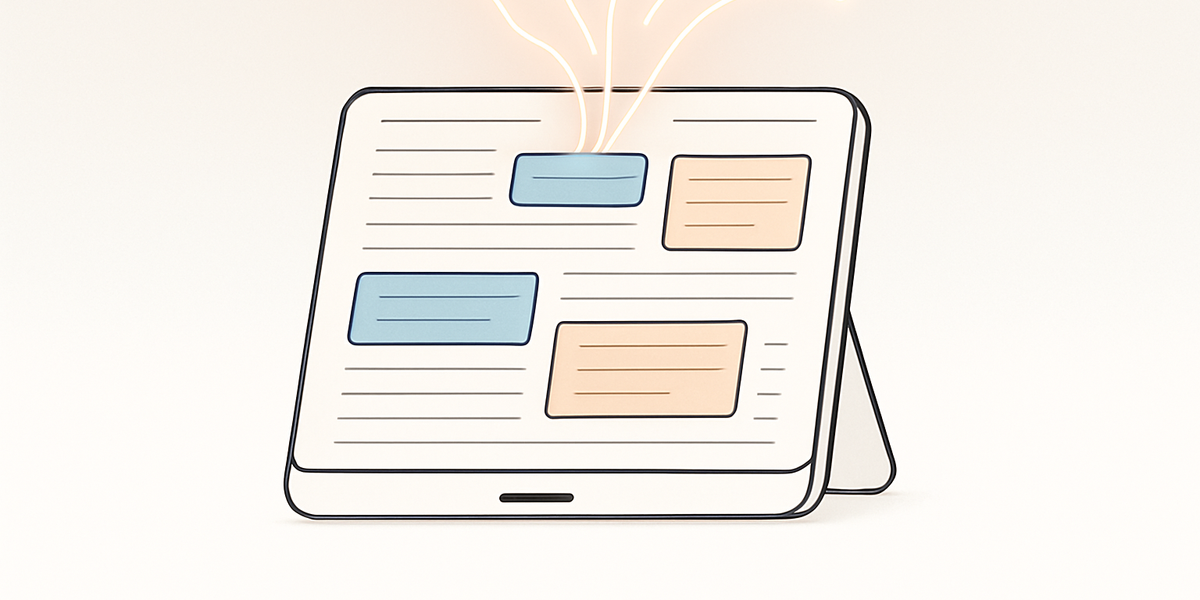
Yes, but this is where the category distinction matters most. A lot of people search for a Notion AI alternative because they are tired of copying and pasting from AI chats into a separate note system. They may like Notion as a storage destination, but the capture step is still clunky. They have to stop the conversation, scroll back to the useful answer, copy the right section, paste it into a page, clean the formatting, add a title, and remember why that answer mattered.
That workflow is fine once in a while. It becomes a problem when you use AI every day for planning, brainstorming, learning, researching, writing, business ideas, or project strategy. The more useful the AI conversation is, the more likely it is to contain multiple ideas worth keeping. Saving the entire transcript often creates clutter. Saving nothing means you have to search or regenerate later. Screenshots are fast, but they are not a great long-term note format.
The better workflow is selective capture. Instead of saving everything, save the best part: the plan, insight, framework, comparison, decision, wording, or next-step list. That is the gap Gravy is built around. It gives users a way to chat with AI like normal, then turn useful response blocks into structured Smart Notes while keeping the source conversation nearby.
- The pain is not just writing with AI; it is keeping the useful parts after the chat moves on.
- A full chat export can preserve history, but it often makes the best insight harder to reuse.
- A good AI chat notebook should capture the useful block, not force the user to save the whole thread.
- The best saved note should be editable, structured, searchable, and connected to the original thinking context.
How to evaluate a Notion AI alternative for AI chat capture
- Find the real source of your notesAsk whether your best ideas usually start inside Notion pages, meeting transcripts, uploaded documents, or AI chat conversations.
- Test the capture momentWhen an AI gives a useful answer, see whether the tool lets you save the exact useful section without copy-paste cleanup.
- Check context preservationA saved AI insight is more useful when you can understand what conversation, prompt, or thinking path produced it.
- Check reuseThe final note should be something you can edit, search, revisit, and use later, not just a screenshot or transcript dump.
How Gravy fits
Gravy fits the specific gap that many Notion AI alternatives miss: the moment when a useful idea appears inside an AI chat and needs to become a real note. Instead of forcing you to move the idea into another workspace manually, Gravy lets you keep brainstorming and save the best AI response blocks as structured Smart Notes from the same app.
Why is Gravy a strong Notion AI alternative for AI chat notes?
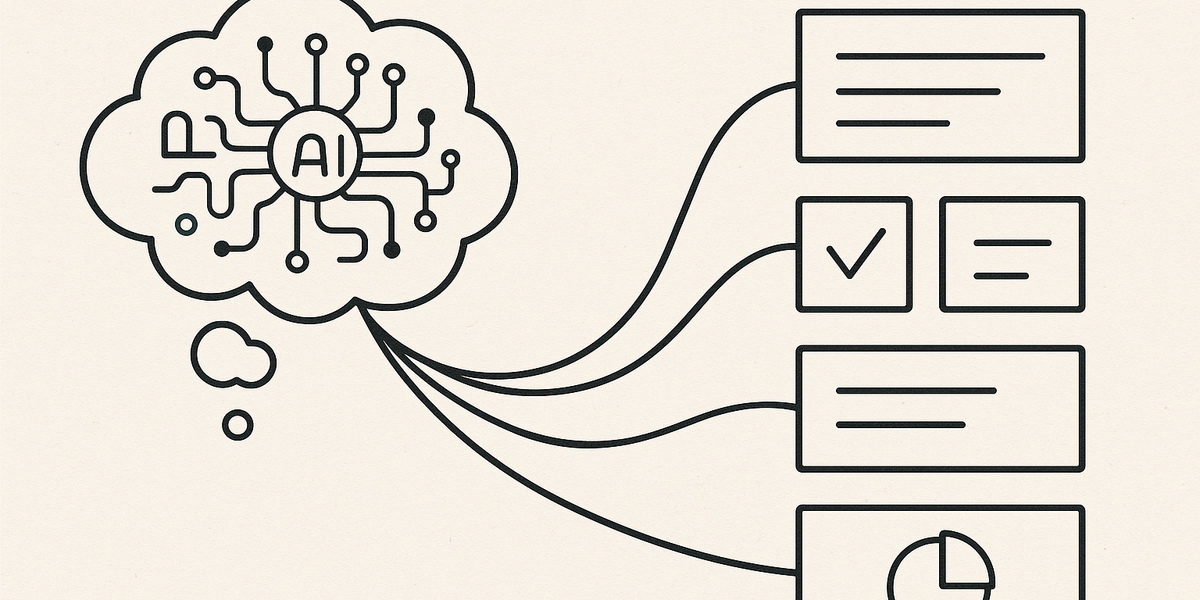
Gravy is not a replacement for every part of Notion. That is the point. Notion is broad: docs, projects, databases, wikis, meetings, connected apps, and team knowledge. Gravy is focused: it is an AI chat notebook for people who think with AI and want to save the useful parts as Smart Notes.
That makes Gravy especially strong for users who do not want their AI thinking trapped in chat history. If you brainstorm a business idea, ask AI to compare tools, plan a trip, outline a project, refine a strategy, or develop content angles, the most valuable output is often one section of one response. Gravy’s workflow is designed around that exact moment. You chat with AI, identify the useful response block, and save it into a structured, editable Smart Note without leaving the conversation.
For SEO and practical user intent, the difference can be summarized clearly: Notion AI helps you use AI inside Notion; Gravy helps you turn AI conversations into notes. If the reader already lives in Notion and wants AI over a workspace, Notion AI may be the better fit. If the reader’s biggest pain is losing useful AI responses, Gravy is the more direct alternative.
- Use Gravy when the conversation itself is where your thinking starts.
- Use Gravy when you want to save selected AI response blocks instead of entire transcripts.
- Use Gravy when copy-paste into a traditional note app breaks your momentum.
- Use Gravy when you want Smart Notes that stay tied to the AI thinking session they came from.
| Question | Notion AI | Gravy |
|---|---|---|
| Where does it live? | Inside the Notion workspace | Inside an AI chat notebook |
| Primary job | AI for docs, databases, search, meetings, and agents | Save useful AI responses as Smart Notes |
| Best user | Teams and individuals already organized in Notion | People who brainstorm, plan, and learn through AI chat |
| Main friction solved | Using AI across workspace content | Capturing AI insights without copy-paste |
FAQ
What is the best Notion AI alternative?
The best Notion AI alternative depends on your workflow. Gravy is best for saving useful AI chat responses as Smart Notes. NotebookLM is strong for source-based research. Mem is strong for self-organizing notes. ChatGPT and Claude are strong for general AI assistance.
Is there a free alternative to Notion AI?
Some alternatives offer free tiers or trials, but pricing and limits change often. The better question is what you need the tool to do: replace Notion AI inside a workspace, analyze sources, capture meetings, or save AI chat insights.
Can ChatGPT replace Notion AI?
ChatGPT can replace some Notion AI tasks such as drafting, brainstorming, summarizing, and reasoning. It does not automatically replace Notion’s workspace, databases, permissions, or page-based organization.
Is NotebookLM better than Notion AI?
NotebookLM can be better when your work is centered on uploaded sources, documents, study materials, or research. Notion AI is often better when your existing pages, databases, and team workspace already live in Notion.
What is the best Notion AI alternative for saving ChatGPT notes?
Gravy is the most direct fit when your goal is to save useful AI response blocks from chat and turn them into structured, editable Smart Notes without copy-pasting into another note app.
Should I use Gravy or Notion AI?
Use Notion AI if you want AI inside an existing Notion workspace. Use Gravy if your main workflow is thinking with AI and saving the useful parts of those conversations as notes you can revisit and reuse.