Notion AI vs Gravy
Comparisons
Notion is an all-in-one workspace that helps people organize docs, projects, knowledge, and AI-assisted work in one flexible system.

Gravy is an AI chat notebook for the perfect thinking workspace, allowing you to capture, organize and convert insights from AI conversations into structured and editable Smart Notes.

Is Notion better than Gravy for organizing work?
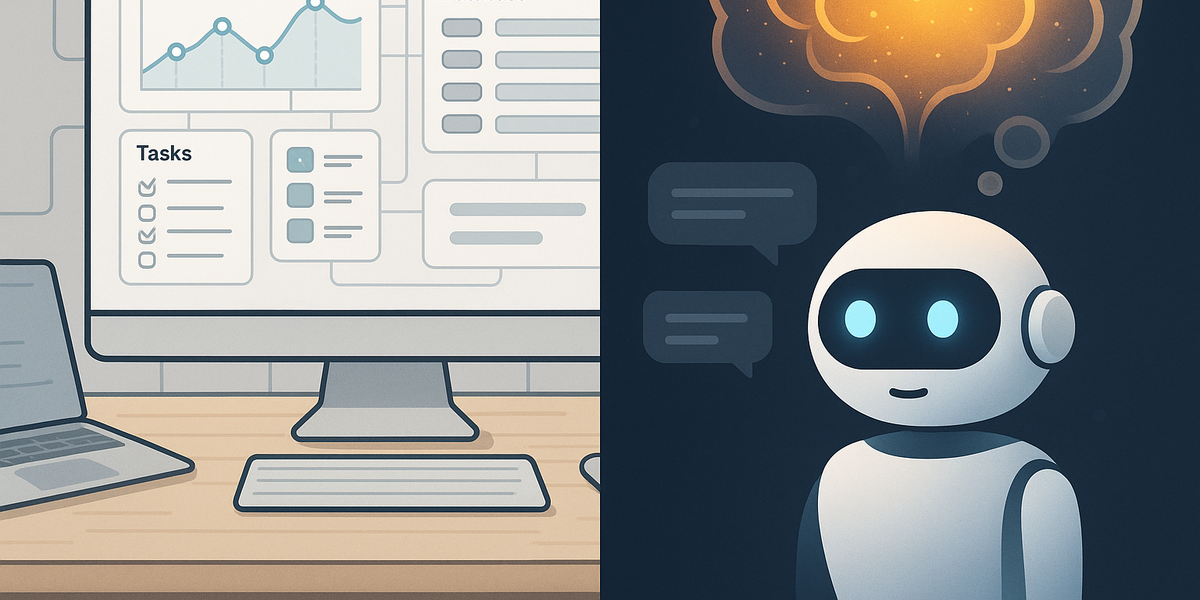
Notion is usually better if your main job is building an organized workspace. It is a mature system for pages, databases, docs, task lists, team knowledge, project trackers, and dashboards. If you want a company wiki, content calendar, project hub, or personal operating system, Notion is genuinely strong.
That does not make Notion and Gravy the same category. Notion organizes finished or semi-finished information. Gravy is for the earlier moment when you are still thinking with AI and a useful answer appears inside the conversation. The sharper question is how smoothly the AI response becomes a reusable note.
- Choose Notion when you need databases, dashboards, projects, templates, docs, or a team wiki.
- Choose Gravy when you need to capture useful AI response blocks before they disappear in a thread.
- Use both if you want Gravy for AI thinking capture and Notion for broader project or company organization.
| Need | Notion fit | Gravy fit |
|---|---|---|
| Team workspace | Very strong | Not the main job |
| Database-backed docs | Very strong | Not the main job |
| AI chat insight capture | Possible but manual | Core workflow |
| Source-linked AI notes | Requires setup | Built around Smart Notes |
Can Notion AI replace a dedicated AI chat notebook?
Notion AI is useful when the work already lives inside Notion. It can help write, summarize, translate, work with databases, generate docs, and assist inside pages your team uses. For Notion-heavy teams, that is powerful because the AI is close to their workspace.
A dedicated AI chat notebook solves a narrower problem. It starts from the AI conversation itself. Instead of moving an answer into a separate page later, Gravy turns useful response blocks into editable Smart Notes while the conversation is still active. That matters for brainstorming, planning, research, study notes, and content strategy.
- Use Notion AI when you want AI help inside pages, databases, meetings, and existing workspace content.
- Use Gravy when you want the AI chat and the note capture workflow to live together.
- Use Notion after Gravy when a captured insight needs to become part of a larger project dashboard or team doc.
How to choose between Notion AI and Gravy
- Start with the sourceIf the source is a Notion page, database, meeting note, or team doc, Notion AI is likely the better starting point.
- Check the capture stepIf the source is an AI chat response you want to save without copy-paste, Gravy is the more direct fit.
- Decide where the note goes nextIf the note becomes team documentation, move or export it into the broader workspace that owns the project.
How do you save ChatGPT conversations to Notion?
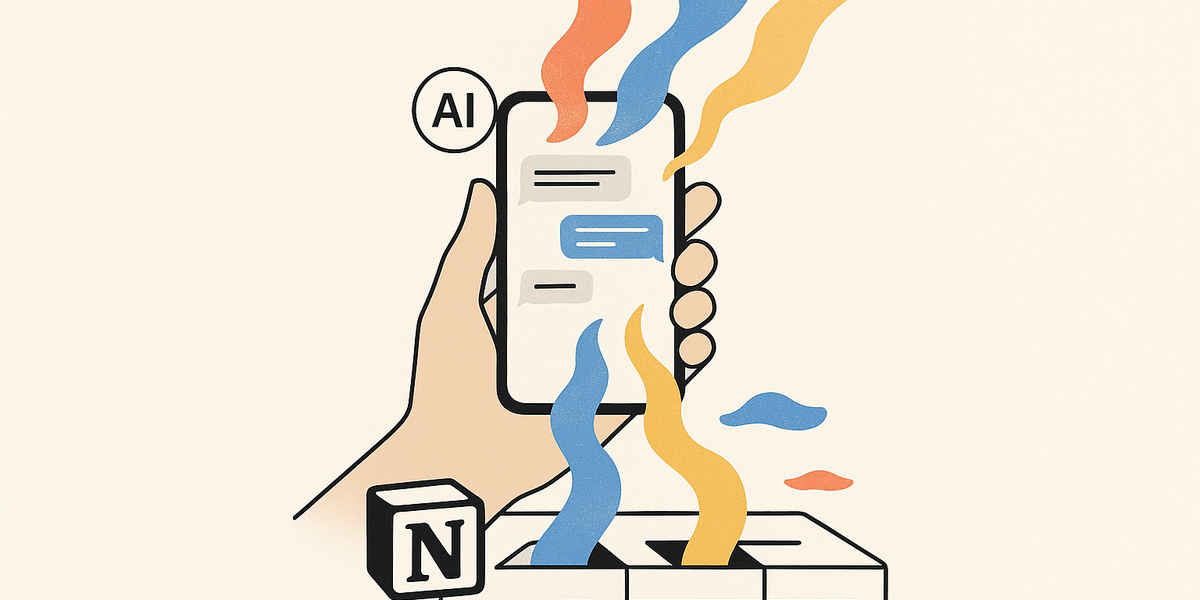
People often try to use Notion as the destination for ChatGPT, Claude, Gemini, or Perplexity outputs. The common workflow is to copy the useful answer, paste it into a Notion page, rename the page, clean formatting, add tags, and maybe link it to a project database.
That can work, but it becomes repetitive. AI conversations produce useful ideas while exploring. Stopping to copy, paste, title, and format can break the thinking flow. Waiting until the end is risky because the useful answer may be buried halfway through the thread. Notion can store the note, but it does not remove capture friction.
- Copy-paste works for occasional saving, but it becomes cluttered when you use AI daily.
- Full-thread exports are better for backup than for turning one useful answer into a reusable note.
- The best capture workflow saves the smallest useful response block with enough context to understand it later.
| Method | What it solves | What can break |
|---|---|---|
| Copy to Notion | Stores useful text | Manual cleanup and lost context |
| Save whole chat | Keeps the transcript | Hard to reuse one insight |
| Use Gravy Smart Notes | Captures useful AI blocks | Best when the work starts in AI chat |
How Gravy fits
Gravy fits the gap between AI chat and traditional note apps. Instead of copying an answer, pasting it somewhere else, and rebuilding context later, Gravy lets you chat with AI and save useful response blocks as structured, editable Smart Notes from the same workspace.
How is Gravy different from Notion?
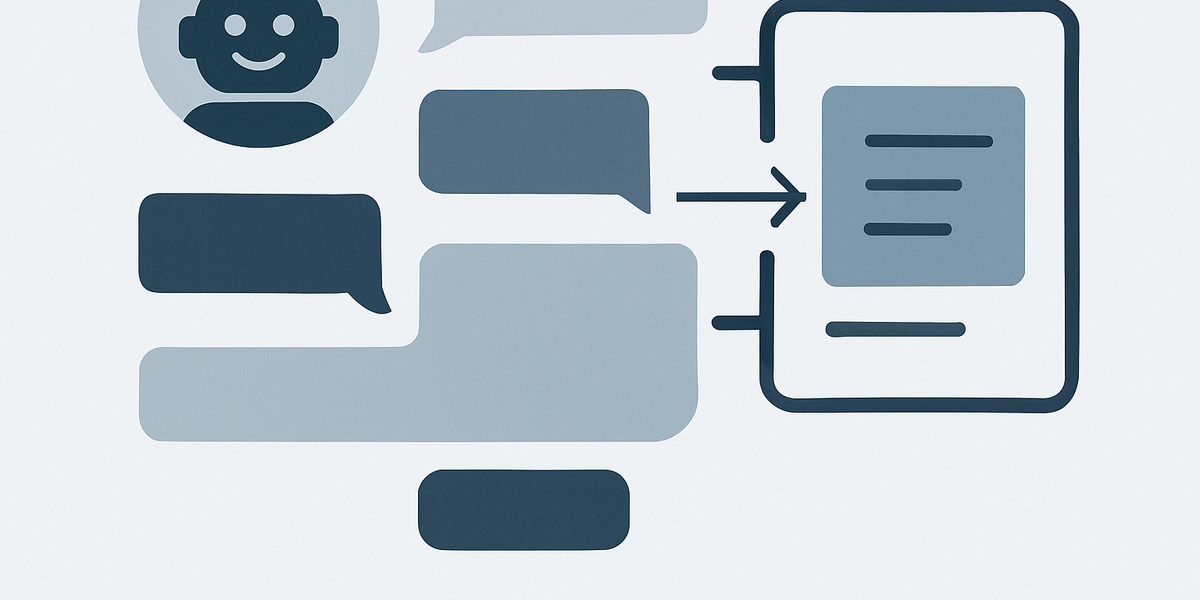
Gravy is different because it is not trying to be a universal workspace. It is an AI chat notebook. The product is built around one behavior: chat with AI, identify the useful response block, and save it into a structured Smart Note tied to the source conversation.
That makes Gravy useful for people whose best thinking happens through AI dialogue. If you brainstorm ideas, plan projects, study topics, outline content, or refine strategy through AI chat, the valuable output can get scattered across the conversation. Gravy turns those pieces into notes you can find, edit, and reuse.
| Question | Notion | Gravy |
|---|---|---|
| What is it? | All-in-one workspace | AI chat notebook |
| Where does work start? | Pages and databases | AI conversations |
| What gets saved? | User-created docs and records | Useful AI response blocks as Smart Notes |
| Best for | Organizing work broadly | Preserving AI thinking specifically |
FAQ
Is Notion better than Gravy?
Notion is better for a broad workspace with docs, databases, projects, dashboards, and team knowledge. Gravy is better for saving useful AI chat responses into Smart Notes.
Can Notion AI replace ChatGPT Plus?
For some workspace tasks, Notion AI may reduce the need to leave Notion. But if you use standalone AI chat tools for open-ended thinking, the workflows can still be complementary.
How do I save ChatGPT conversations to Notion?
The manual way is to copy useful answers into a Notion page, add a clear title, clean the formatting, and tag the note. The downside is that this can interrupt the AI conversation.
Should I use Notion or Gravy for AI notes?
Use Notion if your priority is organizing many types of work in one flexible system. Use Gravy if your priority is capturing useful AI response blocks without leaving the chat workflow.
Does Gravy replace Notion?
Not usually. Gravy replaces the messy step of copying AI answers into a separate note app. Notion can still handle documentation, projects, dashboards, and workspace organization.
Keep reading
Last updated