Granola AI vs Gravy
Comparisons
Granola AI is a meeting-focused AI notepad that transcribes calls, conversations, and meetings into summaries, action items, and follow-up notes.

Gravy is an AI chat notebook for the perfect thinking workspace, allowing you to capture, organize and convert insights from AI conversations into structured and editable Smart Notes.

What is Granola AI used for?
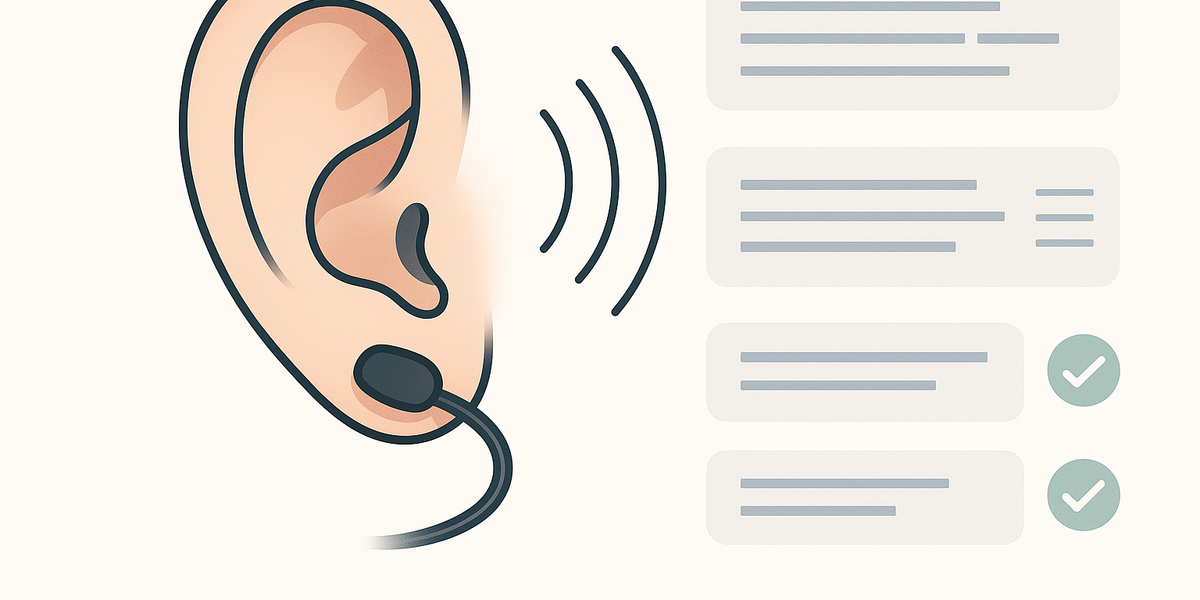
Granola AI is best understood as an AI meeting notepad, not a general AI chat notebook. Its main job is to help people capture spoken conversations without spending the whole meeting typing notes. Granola listens through your device, transcribes the conversation, and turns the raw discussion into cleaner meeting notes, summaries, decisions, and follow-up material. That makes it useful for founders, recruiters, sales teams, consultants, managers, product teams, investors, and anyone who spends a lot of time in calls.
Granola is especially strong when the meeting itself is the source of truth. If a customer explains a pain point, a candidate answers an interview question, a founder pitches a company, or a team makes a decision during a call, Granola is designed to capture that spoken context. It can help you stay present instead of choosing between listening and typing.
Gravy starts in a different place. Gravy is for the moment after you ask AI a question and the response contains a framework, plan, decision, explanation, idea, checklist, or strategy you want to keep. Granola turns meetings into notes. Gravy turns useful AI response blocks into Smart Notes. Both are AI note tools, but they solve different capture problems.
- Use Granola AI when the source is a meeting, phone call, interview, customer conversation, or voice memo.
- Use Gravy when the source is an AI response from a planning, brainstorming, research, or learning session.
- Use Granola to remember what people said; use Gravy to preserve what AI helped you think through.
- Use both if meetings create raw context and AI chats help you turn that context into plans, summaries, or next actions.
| Question | Granola AI | Gravy |
|---|---|---|
| Primary category | AI meeting notepad | AI chat notebook |
| Main input | Spoken conversations | AI chat responses |
| Main output | Meeting notes and action items | Smart Notes from AI response blocks |
| Best moment | Before, during, and after meetings | During AI thinking sessions |
| Core user problem | I do not want to miss meeting details | I do not want useful AI answers to disappear |
Does Granola AI join your meetings as a bot?
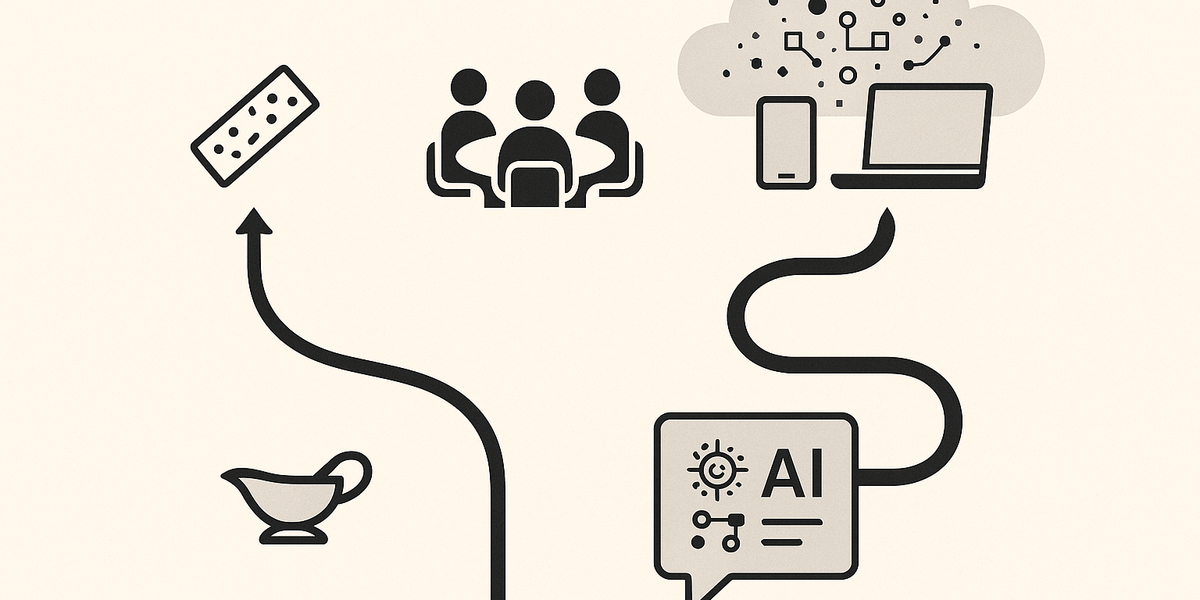
A major reason people search for Granola AI is that they want meeting notes without adding a visible bot participant to every call. Many AI meeting assistants join as a separate attendee. That can be useful for some teams, but it can also create awkward moments, privacy questions, and extra meeting friction. Granola’s public positioning is different: it runs on your computer or iPhone and captures audio from your device instead of joining the call as a bot.
That is a real strength. If your team wants a lighter meeting experience, Granola can feel more natural than bot-based notetakers. You still need to think seriously about consent. Recording, transcribing, or using AI note-taking in a meeting can trigger legal, workplace, or trust obligations depending on where participants are located and what your company policy says. Granola’s own docs recommend asking for consent before transcribing others.
This is also where the category difference matters. Gravy does not need to solve the bot-in-meeting problem because Gravy is not a meeting transcription tool. Gravy is focused on AI chats, where the user is intentionally asking AI for help and then saving the useful response blocks as notes. The privacy and workflow questions are different: Granola asks, "How do I capture a live conversation responsibly?" Gravy asks, "How do I keep the best part of this AI conversation without copy-pasting it somewhere else?"
- Choose Granola when you need notes from live meetings, calls, customer interviews, recruiting screens, or spoken brainstorming.
- Check your consent requirements before transcribing other people, especially across jurisdictions or company environments.
- Choose Gravy when the information you want to save is already text generated inside an AI conversation.
- Do not treat Granola and Gravy as identical note apps; the capture source is the real difference.
How to choose based on the source of the note
- Identify the sourceIf the information starts as speech in a meeting or call, evaluate Granola first.
- Check the capture methodIf you need transcription, speaker context, decisions, and action items, a meeting notepad is the right category.
- Look at your AI workflowIf the information starts as an AI answer you want to reuse later, choose an AI chat notebook like Gravy.
- Decide where the note should liveMeeting notes may belong in a CRM or team workspace; AI chat insights may belong in searchable Smart Notes tied to the conversation.
Is Granola AI worth it for meeting notes and follow-ups?
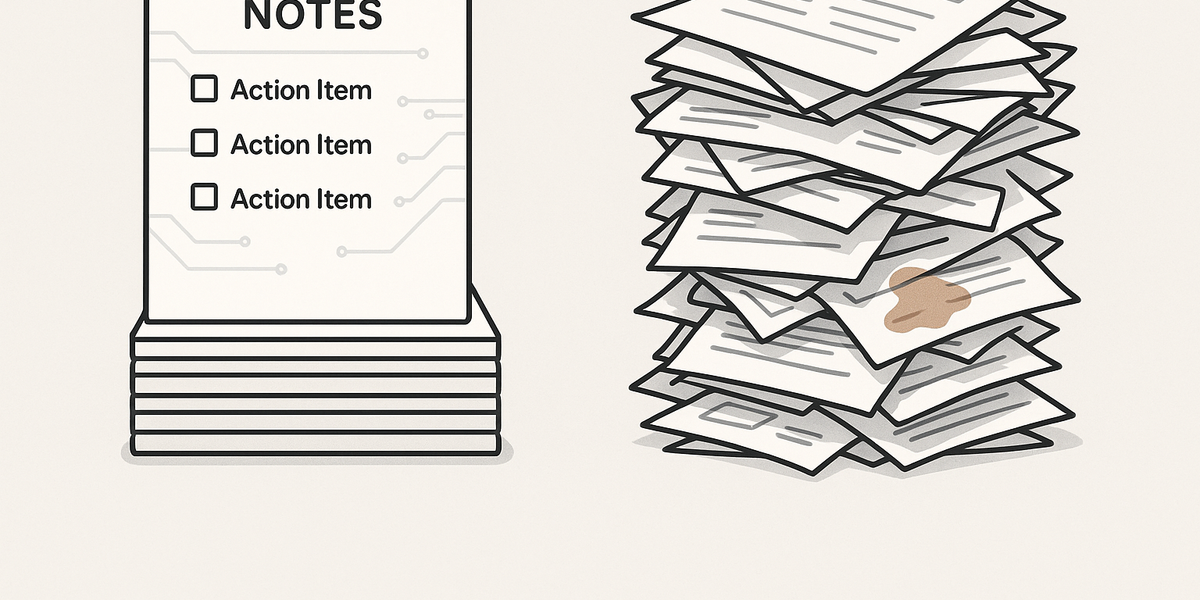
Granola can be worth it if meetings are a major part of your workday and the cost of missing details is high. The strongest use cases are customer calls, sales calls, recruiting interviews, investor conversations, user research sessions, project syncs, leadership meetings, and any conversation where decisions and follow-ups matter. In those workflows, the value is not just the transcript. The value is leaving the meeting with a cleaner summary, action items, and a memory of what happened.
Granola’s pricing and integrations also show its category. Its Basic plan is positioned as a free way to try AI meeting notes with limited meeting history. Its Business plan is priced per user per month and adds unlimited meeting notes and history, advanced AI models and features, integrations, centralized billing, MCP integration, and API access. That makes sense for teams that want meeting notes to flow into Slack, Notion, HubSpot, Attio, Affinity, Zapier, or other systems.
For Gravy’s audience, the question is different. If your main bottleneck is not meetings, but AI thinking sessions, Granola may be solving the wrong problem. A founder, student, creator, researcher, consultant, or small business owner can spend hours asking AI to compare ideas, build plans, explain topics, generate frameworks, outline content, or refine strategy. The pain is not "I missed what someone said on a call." The pain is "AI gave me something useful, but now it is buried inside a long chat." That is where Gravy is the more direct fit.
- Granola is worth considering if your calendar is full of meetings and you need reliable summaries afterward.
- Granola is useful when notes need to become follow-up emails, CRM updates, Slack updates, Notion pages, or team references.
- Gravy is worth considering if your daily workflow is built around ChatGPT-style planning, brainstorming, learning, or research.
- Gravy is more focused when the task is saving one useful AI answer section as a clean, editable note.
| Use case | Better fit | Why |
|---|---|---|
| Sales call recap | Granola AI | It captures the spoken call and turns it into meeting notes |
| Customer research transcript | Granola AI | It is built for meetings, interviews, and conversations |
| Saving a ChatGPT strategy answer | Gravy | It captures useful AI response blocks as Smart Notes |
| Building a reusable idea library from AI chats | Gravy | It keeps AI thinking organized and searchable |
| Exporting meeting notes to work tools | Granola AI | It supports integrations for moving meeting notes into other systems |
How Gravy fits
Gravy fits this comparison when the reader’s real problem is not meeting transcription. It is the messy gap between AI chat and notes. A user can have a long planning session with AI, find one response block that matters, and save it as a structured, editable Smart Note without leaving the conversation or rebuilding context later.
How is Gravy different from Granola AI?

Gravy is different from Granola AI because Gravy is built around AI conversations, not meetings. Granola captures what people say. Gravy captures what AI helps you think through. That sounds subtle, but it changes the entire workflow.
In a meeting workflow, the user wants to stay present while the tool listens, transcribes, summarizes, and prepares follow-ups. In an AI thinking workflow, the user is actively shaping the conversation. They are asking questions, refining prompts, comparing options, and pulling useful ideas from the AI response. The note is not a record of a meeting. The note is a selected insight, plan, framework, explanation, or decision that emerged while thinking with AI.
Gravy’s core workflow is chat, select, save. You chat with AI like normal. Sections of the AI response become Smart Blocks. When a block is worth keeping, one click turns that insight into a Smart Note. That matters because most AI users do not need every word of a thread. They need the useful part: the business idea, the outline, the checklist, the decision criteria, the study explanation, the research summary, or the next-step plan.
This makes Gravy a better fit for people who use AI as a thinking partner. If you use AI to plan trips, build products, write content, study, brainstorm side hustles, compare tools, map projects, or make decisions, Gravy gives those insights a place to live. It is not a replacement for Granola’s meeting capture. It is a different category: an AI chat notebook for preserving useful responses before they disappear inside chat history.
| Difference | Granola AI | Gravy |
|---|---|---|
| Category | AI meeting notes app | AI chat notebook |
| Capture source | Microphone, system audio, meetings, calls | AI response sections inside chat |
| User behavior | Listen while Granola transcribes | Think with AI and save useful blocks |
| Best output | Meeting summary, action items, follow-up notes | Structured, editable Smart Notes |
| Best reader | People in many meetings | People who plan, brainstorm, research, and learn with AI |
| Primary pain | Forgetting what happened in meetings | Losing useful AI answers in chat threads |
FAQ
Is Granola AI better than Gravy?
Granola AI is better if your main problem is capturing meetings, calls, interviews, and spoken conversations. Gravy is better if your main problem is saving useful AI chat responses as editable Smart Notes. The better tool depends on whether your notes start in speech or in AI chat.
Is Gravy a Granola AI alternative?
Gravy is not a direct alternative to Granola for meeting transcription. It is an alternative for people who want an AI-native note workflow around ChatGPT-style conversations, brainstorming, planning, research, learning, and idea capture.
Does Granola AI join meetings as a bot?
Granola says it does not join meetings as a bot. It runs on your computer or iPhone and captures audio from your device after you start a note. That is one of its biggest differences from bot-based meeting assistants.
Does Granola AI work on Windows and iPhone?
Granola’s setup docs say it runs on macOS, Windows, and iOS. On desktop, it can transcribe meetings from tools like Zoom, Google Meet, and Microsoft Teams. On iPhone, it is positioned for calls, in-person meetings, and conversations on the go.
Can Granola AI save ChatGPT answers?
Granola is primarily designed around meeting notes, transcripts, and spoken conversations. If your goal is to save selected ChatGPT, Claude, Gemini, or other AI responses into structured notes, Gravy is the closer fit because that is its core workflow.
Which is better for AI note-taking, Granola AI or Gravy?
For meeting-based AI note-taking, Granola is stronger. For AI chat-based note-taking, Gravy is stronger. Granola helps capture what happened in conversations with people. Gravy helps preserve useful outputs from conversations with AI.
Can I use Granola AI and Gravy together?
Yes. A practical workflow is to use Granola for meeting capture, then use Gravy when you want to think through the meeting output with AI and save the best follow-up plans, frameworks, decisions, or summaries as Smart Notes.
Who should choose Gravy instead of Granola AI?
Choose Gravy if your biggest note-taking problem is not meetings, but AI chat sprawl. Gravy is built for people who use AI to brainstorm, plan, research, study, write, compare options, and save useful response blocks for later use.
Keep reading
Last updated