Best AI Notetaking Apps in 2027
Guides
An AI notetaking app is a tool that captures, summarizes, organizes, or turns information into reusable notes.

Gravy is an AI chat notebook for the perfect thinking workspace, allowing you to capture, organize and convert insights from AI conversations into structured and editable Smart Notes.

What are the best AI notetaking apps in 2027?
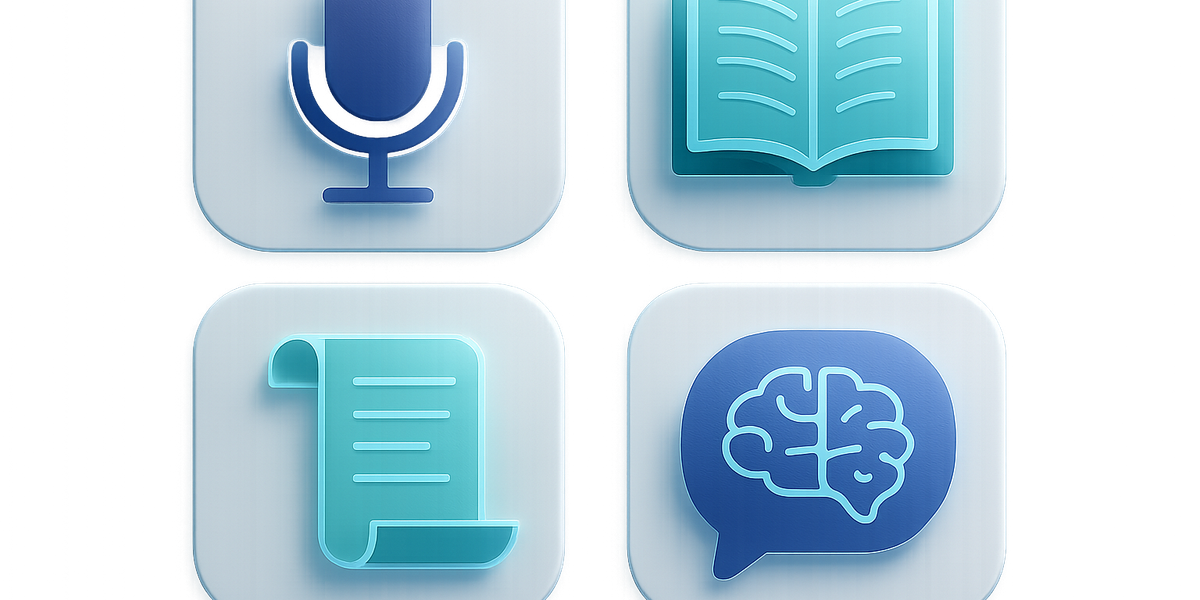
The best AI notetaking apps in 2027 will not all look like the same product. That is the most important thing to understand before choosing one. Some apps listen to meetings and produce transcripts. Some turn lectures into study guides. Some summarize PDFs and videos. Some sit inside a team workspace. Gravy belongs to a newer category: the AI chat notebook, built for people whose best thinking starts inside conversations with AI.
A useful way to compare the market is by asking where the note begins. If the note begins in a Zoom call, a meeting assistant may be the right tool. If the note begins in a lecture, a study notetaker may be better. If the note begins in a document collection, NotebookLM may fit. If the note begins inside an AI brainstorming session, Gravy is designed for that exact moment. Instead of forcing you to copy and paste a good AI answer into a separate notes app, Gravy lets you save useful response blocks into structured, editable Smart Notes from the same workflow.
This guide is future-facing for 2027, but it is grounded in current public product positioning. Treat it as a category map, not a one-size-fits-all ranking. The right app depends on whether you need capture, summarization, retrieval, studying, meeting follow-up, or AI idea preservation.
- Best for AI chat notes: Gravy.
- Best for polished meeting notes: Granola.
- Best for meeting automation and integrations: Fireflies AI.
- Best for real-time transcription: Otter.
- Best for fast meeting recaps: Fathom.
- Best for source-grounded research: NotebookLM.
- Best for lecture and study materials: Coconote.
- Best for all-in-one workspace organization: Notion.
| Category | Best fit | Why it matters |
|---|---|---|
| AI chat notebook | Gravy | Saves useful AI response blocks as Smart Notes |
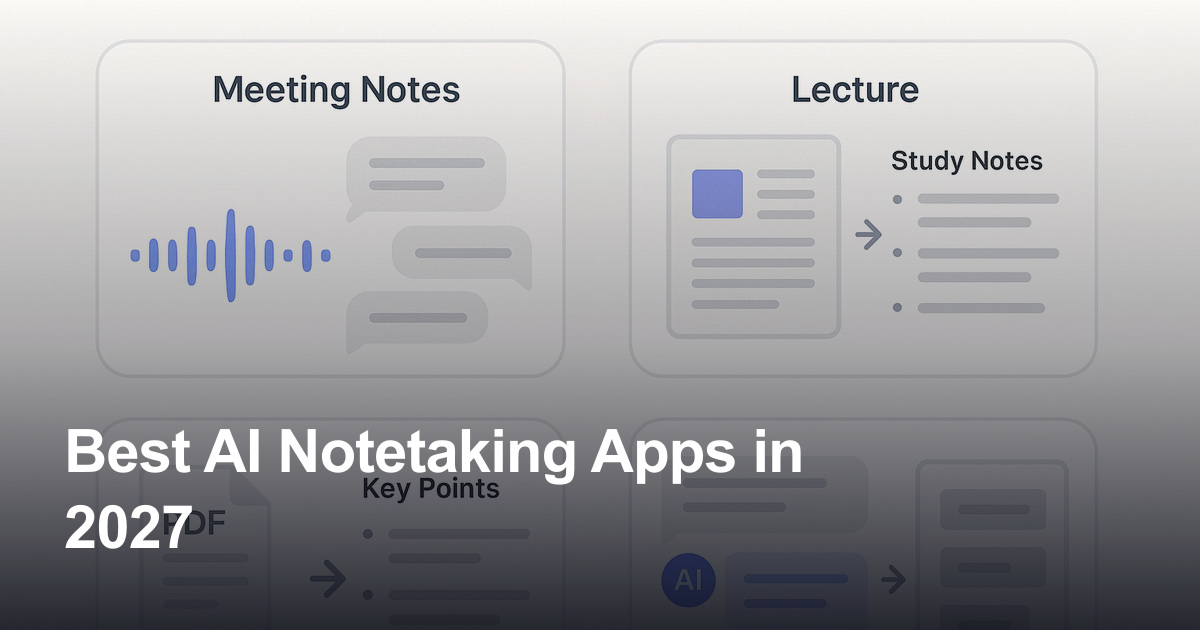
| Meeting notes | Granola, Fireflies, Otter, Fathom | Turns calls into transcripts, summaries, and action items |
| Study notes | NotebookLM, Coconote | Turns lectures, PDFs, and sources into learning materials |
| Workspace notes | Notion | Organizes notes beside docs, databases, and projects |
Which AI notetaking app is best for meetings?

For meetings, the best AI notetaking apps are usually Granola, Fireflies AI, Otter, and Fathom. These products are strong because meetings create a very specific capture problem: you need to stay present while the conversation is happening, then receive a useful transcript, summary, action-item list, or follow-up note afterward. A meeting notetaker is not primarily designed for open-ended AI brainstorming. It is designed to capture what people said.
Granola is often attractive to people who want lightweight meeting notes without a visible meeting bot. Its positioning is built around being an AI notepad for people in back-to-back meetings, and its product flow blends the user's own typed notes with AI-generated summaries. Fireflies AI is more automation-heavy: it is strong for teams that want transcription, summaries, CRM workflows, topic tracking, integrations, and meeting intelligence. Otter is well known for real-time transcription, live meeting notes, and searchable meeting content. Fathom is popular with users who want quick meeting summaries, highlights, and CRM follow-up without manually writing notes during calls.
The key point is that meeting apps solve a different problem from Gravy. Meeting tools listen to external conversations. Gravy helps preserve the useful parts of your AI conversations. If your notes come from calls, use a meeting notetaker. If your notes come from ChatGPT-style planning sessions, idea exploration, research prompts, or strategy conversations with AI, use an AI chat notebook.
- Choose Granola if you want lightweight, human-friendly meeting notes with less meeting-bot friction.
- Choose Fireflies AI if your team needs meeting transcripts, summaries, integrations, CRM workflows, and conversation intelligence.
- Choose Otter if real-time transcription, live captions, and searchable voice notes are the primary use case.
- Choose Fathom if you want fast call summaries, highlights, and follow-up notes for sales or customer conversations.
- Choose Gravy if the note starts from an AI answer, not from a live meeting.
| App | Best meeting use case | Main limitation for AI chat notes |
|---|---|---|
| Granola | Back-to-back meeting notes | Not built around saving AI response blocks |
| Fireflies AI | Team meeting automation | More meeting system than AI chat notebook |
| Otter | Real-time transcription | Best when audio is the source |
| Fathom | Meeting recaps and follow-ups | Focused on calls, not AI idea capture |
Which AI notetaking app is best for students and research?

For students, researchers, and people learning from source material, NotebookLM and Coconote are often better fits than general meeting notetakers. NotebookLM is strong when the user has PDFs, websites, YouTube videos, text, or other source material and wants to ask questions against that material. It is especially useful for research-heavy work because the notebook is organized around sources rather than random note fragments. Google positions NotebookLM as an AI research tool and thinking partner that can analyze sources and turn complexity into clarity.
Coconote is stronger when the source is a class, lecture, meeting, or document that needs to become study material. Its official positioning emphasizes organized notes, flashcards, quizzes, podcasts, videos, practice exams, and other study outputs. That makes it a natural option for students who want to record a lecture and generate review material quickly.
Gravy can still help students and researchers, but its best use case is different. If a student is chatting with AI to understand a concept, compare sources, outline an essay, study for an exam, or refine a thesis, Gravy can save the best AI-generated explanation as a Smart Note. NotebookLM and Coconote help transform external learning material. Gravy helps preserve the useful thinking that happens while talking with AI about that material.
- Use NotebookLM when you want to ask questions across uploaded or linked sources.
- Use Coconote when you want lectures and class material turned into study guides, flashcards, quizzes, or practice resources.
- Use Gravy when an AI explanation, study plan, essay outline, or research insight appears inside a chat and should become a reusable note.
- Use a traditional notes app only if you are comfortable manually organizing the outputs yourself.
| Learning workflow | Best app | Why |
|---|---|---|
| Ask questions about sources | NotebookLM | Built around notebooks and source analysis |
| Turn lectures into study materials | Coconote | Generates notes, quizzes, flashcards, and practice outputs |
| Save AI explanations | Gravy | Captures useful AI response blocks as editable notes |
| Organize a long-term study system | Notion | Flexible pages, databases, and templates |
Which AI note app is best for workspace organization?
If your goal is to organize notes inside a complete operating system for work, Notion is still one of the strongest options. Notion can hold documents, project plans, meeting notes, databases, tasks, content calendars, wikis, CRM-like systems, and personal dashboards. Its AI features are useful when the content already lives inside Notion because users can generate docs, summarize content, and work inside their existing workspace.
This is another category difference. Notion is a workspace. Gravy is an AI chat notebook. Notion is where a team might organize finished project knowledge. Gravy is where an individual can capture the useful AI insight before it gets buried in a conversation. These tools can complement each other. A founder, student, creator, or consultant might use Gravy to save the best parts of AI brainstorming sessions, then move mature decisions or polished notes into Notion later.
For 2027, the smartest note stack may not be one app replacing every other app. It may be a source-based stack: meeting notes go to meeting tools, research notes go to source-grounded tools, workspace docs go to Notion, and AI chat insights go to Gravy. That way, each tool handles the workflow it was actually built to support.
- Use Notion when notes need to become part of a database, dashboard, wiki, or project management system.
- Use Gravy when the note begins as a useful AI response that should be saved immediately.
- Use both when you want AI thinking capture first and long-term workspace organization afterward.
- Avoid choosing based only on feature count; choose based on where your notes actually begin.
How to build a 2027 AI note stack
- Map your note sourcesList where your notes usually begin: AI chats, meetings, lectures, PDFs, voice memos, or team docs.
- Choose by workflowPick the tool that matches the source instead of forcing every type of note into one app.
- Keep capture fastThe best note system is the one that saves useful information before your attention moves on.
- Organize later if neededAfter capture, move polished notes into a workspace like Notion only when they need project structure.
How Gravy fits
Gravy fits the AI notetaking category when your notes start inside AI conversations. If a useful idea, explanation, strategy, research summary, or project plan appears in chat, Gravy helps you turn that response block into a structured, editable Smart Note without leaving the flow.
Why is Gravy one of the best AI notetaking apps for AI chat workflows?
Gravy deserves its own category because it solves a problem that meeting notetakers, study apps, and traditional workspaces do not fully solve: useful AI answers get buried inside chat threads. Many people now use AI as a thinking partner. They ask for business ideas, content outlines, trip plans, study explanations, product strategies, personal decisions, research comparisons, and step-by-step plans. The best output may appear halfway through the conversation, surrounded by drafts, follow-up questions, discarded options, and context that is hard to reconstruct later.
The old workflow is to copy the good answer, paste it into a note app, clean the formatting, title it, maybe tag it, and hope you remember where it came from. That is not terrible once or twice. It becomes a real productivity leak when AI chat becomes part of your daily thinking process. Gravy's workflow is built around capturing the useful block at the moment it appears, then saving it as a Smart Note that can be edited and referenced later.
That makes Gravy especially relevant for people who use AI for planning, ideation, learning, research, writing, consulting, product development, and strategic thinking. In a 2027 AI note stack, Gravy is the tool for preserving the best parts of AI conversations, not the tool trying to replace every meeting recorder, lecture assistant, or workspace database.
- Gravy is best when the original source is an AI conversation, not a meeting or lecture.
- Smart Blocks help users capture the useful section instead of saving an entire messy thread.
- Smart Notes make AI insights editable, reusable, and easier to find later.
- The workflow reduces the need to copy and paste AI outputs into separate notes apps.
- Gravy is strongest for planners, builders, students, creators, researchers, and AI power users who think through chat.
| Question | General AI notes app | Gravy |
|---|---|---|
| Where does the note begin? | Meetings, lectures, docs, or uploads | AI chat responses |
| What gets captured? | Transcripts, summaries, or documents | Useful response blocks |
| What is created? | Notes, summaries, action items, or study sets | Structured, editable Smart Notes |
| Best user | Depends on category | People who think and plan with AI |
FAQ
What is the best AI notetaking app in 2027?
The best AI notetaking app depends on the workflow. Gravy is best for AI chat notes, Granola and Fathom are strong for meeting notes, Fireflies is strong for team meeting automation, Otter is strong for transcription, NotebookLM is strong for source-based research, Coconote is strong for studying, and Notion is strong for workspace organization.
What is the best AI notetaker for ChatGPT notes?
For ChatGPT-style workflows, Gravy is the best fit because it is built around saving useful AI response blocks into Smart Notes. Meeting notetakers and lecture apps may summarize audio well, but they are not designed around preserving the best parts of AI conversations.
What is the best AI notetaker for meetings?
Granola, Fireflies AI, Otter, and Fathom are the strongest meeting-focused options. Granola is good for lightweight meeting notes, Fireflies is strong for team workflows and integrations, Otter is known for transcription, and Fathom is useful for quick summaries and follow-ups.
Is NotebookLM better than an AI notetaking app?
NotebookLM is better when the job is to study or analyze uploaded sources such as PDFs, links, videos, and text. It is not the same as an AI chat notebook. Gravy is better when the note you want to save comes from an AI conversation.
Is Notion an AI notetaking app?
Notion can work as an AI-assisted note and workspace app, especially when notes belong inside docs, databases, and project systems. But Notion is not specifically built around saving selected AI response blocks from a live AI chat the way Gravy is.
Can AI take notes from lectures?
Yes. Tools like Coconote are designed to turn lectures, recordings, meetings, and documents into organized notes and study materials such as flashcards and quizzes. For AI-generated explanations inside chat, Gravy is the better fit.
Should I use one AI notetaking app for everything?
Usually no. The better strategy is to choose based on where your notes start. Use a meeting tool for calls, a study tool for lectures, a research tool for sources, a workspace tool for projects, and Gravy for AI chat insights.