Otter vs Gravy
Comparisons
Otter is a meeting transcription and AI notetaker that turns conversations into searchable notes, summaries, and follow-ups.

Gravy is an AI chat notebook for the perfect thinking workspace, allowing you to capture, organize and convert insights from AI conversations into structured and editable Smart Notes.

Is Otter better than Gravy for meeting notes?
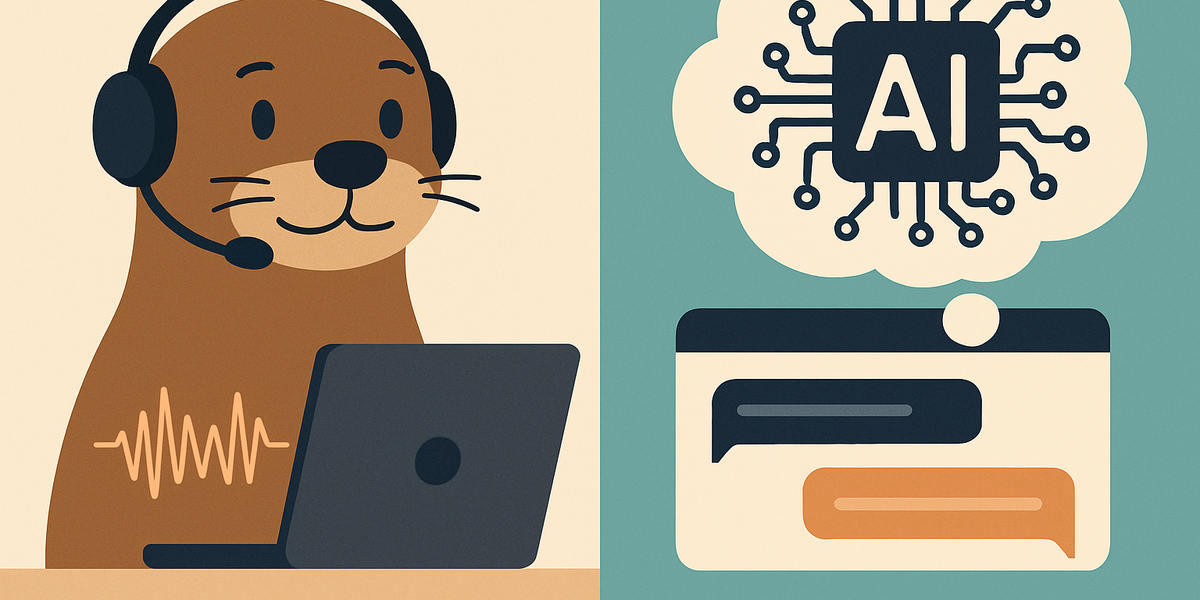
Otter is usually the better product when your main problem is meetings. It is built for recording conversations, transcribing speech, creating searchable meeting notes, generating summaries, and helping teams follow up after calls. If you spend your day in Zoom, Google Meet, Microsoft Teams, interviews, lectures, client calls, product standups, sales demos, or internal syncs, Otter fits a very real workflow: people are talking, the conversation is happening once, and you need an accurate record you can search later.
That is a different category from Gravy. Gravy is not trying to sit inside every meeting and transcribe what everyone said. Gravy is an AI chat notebook for the moments when you are actively thinking with AI. The source material is not a live meeting; it is the useful response block inside an AI conversation. You ask questions, refine the idea, compare options, and then save the best part as a structured Smart Note.
So the comparison should start with the source of the information. If the source is spoken conversation, Otter is the stronger fit. If the source is AI-generated thinking inside a chat, Gravy is the cleaner fit. Many users may need both: Otter for meeting memory, Gravy for AI thinking memory.
- Use Otter when the important information comes from people speaking in meetings, interviews, lectures, or calls.
- Use Gravy when the important information comes from AI responses during brainstorming, planning, research, or strategy work.
- Use Otter to preserve conversations; use Gravy to preserve the best parts of your AI thinking sessions.
- Do not choose based on which app has "notes" in the description; choose based on where the note begins.
| Workflow | Otter fit | Gravy fit |
|---|---|---|
| Record a meeting | Very strong | Not the main job |
| Transcribe an interview | Very strong | Not the main job |
| Save an AI answer | Not the main job | Very strong |
| Build notes from chat | Indirect | Core workflow |
| Review spoken decisions | Strong | Only if captured elsewhere |
| Preserve AI insight context | Indirect | Built around it |
Can Otter join Zoom, Google Meet, and Microsoft Teams automatically?
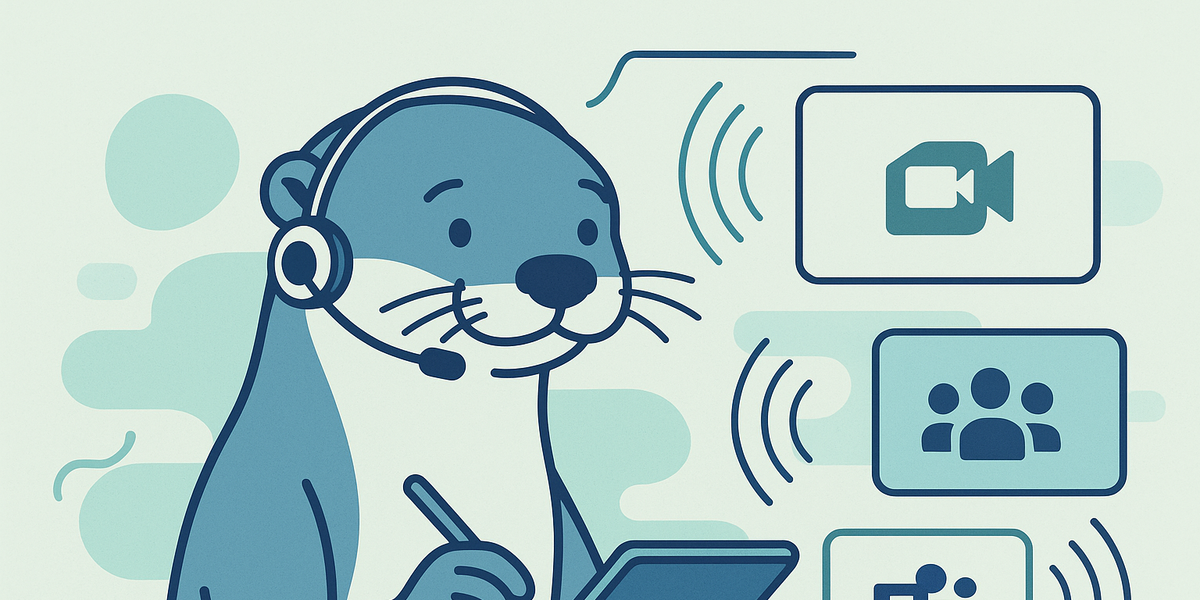
Yes. One of Otter's core advantages is that it can act like a meeting assistant. Otter Notetaker can automatically join Zoom, Google Meet, and Microsoft Teams meetings, transcribe in real time, and create meeting notes. For teams with heavy meeting volume, that can be valuable because documentation happens even when nobody wants to type notes manually.
This is also why Otter requires more meeting-specific setup and judgment than a simple note app. A meeting bot can affect attendee expectations, consent requirements, share settings, and company policies. Otter's own help center notes that Notetaker joins as a guest participant and recommends obtaining consent and following local recording laws. That does not make Otter bad; it means Otter is operating in the sensitive category of meeting capture.
Gravy does not solve that same meeting-bot problem. Gravy is not primarily about joining calls. Its workflow is quieter and more personal: you chat with AI, choose the useful response section, and save it to a Smart Note. There is no meeting participant to admit, no Zoom waiting room, and no team-wide sharing behavior to configure. The tradeoff is clear. Otter is stronger for live meeting capture. Gravy is stronger when the work starts in AI chat.
- Connect your calendar if you want Otter to detect meetings automatically.
- Review Notetaker auto-join settings before using it across a company calendar.
- Check sharing permissions so meeting notes go only where you intend.
- Use Gravy separately when the work is not a live call but an AI conversation you want to save from.
How to decide if an AI meeting assistant is the right fit
- Identify the sourceIf the source is spoken conversation, a meeting assistant like Otter is relevant. If the source is AI chat, use an AI chat notebook like Gravy.
- Check privacy expectationsFor meetings, confirm whether attendees know a notetaker is present and whether recording is allowed under your policy or local law.
- Review sharing settingsMeeting notes often need different permissions than personal AI notes, so check auto-share and workspace settings before relying on automation.
- Match the follow-up workflowUse Otter for summaries, transcripts, and meeting action items. Use Gravy for saving reusable AI-generated ideas, frameworks, and plans.
Is Otter worth it for transcription and summaries?
Otter can be worth it if transcription volume is a recurring problem. The value is clearest for professionals and teams that regularly need meeting records, searchable transcripts, summaries, key takeaways, action items, and collaborative review. Journalists, researchers, recruiters, sales teams, consultants, product managers, students, and remote teams can all benefit when the alternative is replaying audio, skimming recordings, or relying on memory.
The practical question is whether you need a transcription product or an AI thinking notebook. Otter's pricing and feature structure revolve around transcription minutes, meeting limits, imported files, conversation length, and collaboration. That makes sense for a meeting product. But if your frustration is that useful ChatGPT, Claude, Gemini, or other AI responses are buried in a long thread, buying more transcription minutes does not solve the core problem.
For AI chat users, the missing layer is not always another recorder. It is a capture layer that turns one useful answer, framework, checklist, comparison, or plan into a reusable note while the conversation is fresh. That is Gravy's lane. Otter is worth considering when you lose meeting details. Gravy is worth considering when you lose AI-generated insights.
- Otter's value increases when you have frequent meetings, long recordings, or repeated transcription needs.
- Otter's value decreases if you mostly need to save written AI responses rather than spoken conversations.
- Gravy's value increases when AI chat is where you brainstorm, plan, research, and make decisions.
- The right tool depends less on AI branding and more on whether your source material is audio or chat.
| Question | Otter answer | Gravy answer |
|---|---|---|
| Do I need transcripts? | Yes | No |
| Do I need meeting summaries? | Yes | Not the core job |
| Do I need to save AI response blocks? | Indirectly | Yes |
| Do I need Smart Notes from AI chats? | No | Yes |
| Do I need meeting action items? | Yes | Only from AI-generated planning |
How Gravy fits
Gravy fits when your most useful notes are not coming from meetings at all. They are coming from AI conversations where you are planning, brainstorming, researching, comparing options, or turning messy thoughts into something clearer. Instead of copying an AI answer into another app later, Gravy lets you save useful response blocks as structured Smart Notes while you are still in the chat.
How is Gravy different from Otter?

Gravy is different from Otter because it starts from a different kind of source material. Otter is built around meetings and spoken conversations. Gravy is built around AI conversations and the useful response blocks inside them. That distinction matters because meeting notes and AI chat notes have different failure points.
In a meeting, the failure point is often that nobody captured what was said. Otter solves that by recording, transcribing, summarizing, and making spoken information searchable. In an AI chat, the failure point is different. The words are already written down, but the useful part gets buried inside a long thread. The user may need one framework, one checklist, one decision tree, one product idea, one strategy outline, or one paragraph that finally makes the topic click. Copying that into a separate notes app interrupts the flow, and leaving it in the chat makes it hard to reuse.
Gravy solves that narrower AI-native problem. You chat with AI like normal. AI responses turn into Smart Blocks. When a section matters, you save it as a structured, editable Smart Note. That makes Gravy especially useful for people who think with AI every day and want their best AI-generated insights to become an organized knowledge library rather than a trail of forgotten threads.
- Otter is for spoken conversations; Gravy is for AI conversations.
- Otter captures transcripts; Gravy captures useful AI response blocks.
- Otter helps teams remember meetings; Gravy helps individuals preserve AI-generated thinking.
- Otter's note starts with audio; Gravy's Smart Note starts with an AI response section.
- Otter is strongest after or during a meeting; Gravy is strongest while you are actively thinking with AI.
| Category | Otter | Gravy |
|---|---|---|
| Primary identity | AI meeting notetaker | AI chat notebook |
| Main input | Speech, meetings, recordings | AI chat responses |
| Main output | Transcript, summary, action items | Smart Notes from Smart Blocks |
| Best user | Meeting-heavy professionals and teams | People who think and plan with AI |
| Core friction solved | Nobody wants to take meeting notes | Useful AI responses get buried |
FAQ
Is Otter better than Gravy?
Otter is better if your main need is meeting transcription, voice notes, summaries, action items, and searchable records of spoken conversations. Gravy is better if your main need is saving useful AI chat responses into structured Smart Notes.
Can Otter take notes in Zoom, Google Meet, and Microsoft Teams?
Yes. Otter Notetaker can join Zoom, Google Meet, and Microsoft Teams meetings to transcribe conversations and create meeting notes. Users should still review auto-join, sharing, and consent settings before using it broadly.
What is the best Otter alternative for AI notes?
It depends on what you mean by AI notes. If you mean meeting notes, look at meeting-focused tools. If you mean notes from AI conversations, Gravy is a more specific alternative because it is built to save useful AI response blocks as Smart Notes.
Does Gravy transcribe meetings like Otter?
Gravy is not positioned as a dedicated AI meeting transcription tool. It is an AI chat notebook for capturing insights from AI conversations. Otter is the more natural fit for live meeting transcription and summaries.
Should I use Otter or Gravy for studying?
Use Otter if you need to record and transcribe lectures, interviews, or spoken study sessions. Use Gravy if your studying happens through AI chat and you want to save the best explanations, examples, and frameworks as editable notes.
Can I use Otter and Gravy together?
Yes. A practical workflow is to use Otter for meeting or lecture transcripts, then use Gravy for separate AI thinking sessions where you ask questions, refine ideas, and save the best AI-generated blocks into Smart Notes.